
Citrus press: photo-based patent line art
A monochrome interpretation retains the press’s lever, bowl, frame, and base. Compare it with the source photo, especially the pivot and contact surfaces.
Turn a product photo into a patent-style drawing draft. Upload a clear reference image, describe the visible features to retain, and review the generated PNG against the actual product.
Free to try ·
Your patent drawing will appear here
Describe the view and components to generate a PNG for review.
A clear prompt helps direct the composition, while a human review checks the image against the invention.
Open the full workspace to upload a photo you own or have permission to use. Show the whole object, avoid glare, and explain details hidden by the camera angle.
Name the lever, bowl, pivot, and base that the line art must preserve. Ask for background removal without redesigning the product.
Check geometry, numbering, and view consistency. PNG images do not contain editable CAD or vector layers, and filing requirements need a separate review.
Open the full workspace to upload a photo you own or have permission to use. Show the whole object, avoid glare, and explain details hidden by the camera angle.
Name the lever, bowl, pivot, and base that the line art must preserve. Ask for background removal without redesigning the product.
Check geometry, numbering, and view consistency. PNG images do not contain editable CAD or vector layers, and filing requirements need a separate review.
Follow a citrus press from visible geometry to line art, inspect its photographic reference and compare a lamp photo with the generated outline.
A monochrome interpretation retains the press’s lever, bowl, frame, and base. Compare it with the source photo, especially the pivot and contact surfaces.
The entire product is visible in a three-quarter photograph. Clear outlines and an unobstructed lever provide useful reference information; the photo itself is not a patent drawing.
An illustrative photo and drawing preserve the same base, curved neck, and shade. The comparison shows removal of texture and lighting while retaining the visible form.
Preserve the product’s visible geometry · Prepare a clear product photo · Compare the photograph with the drawing
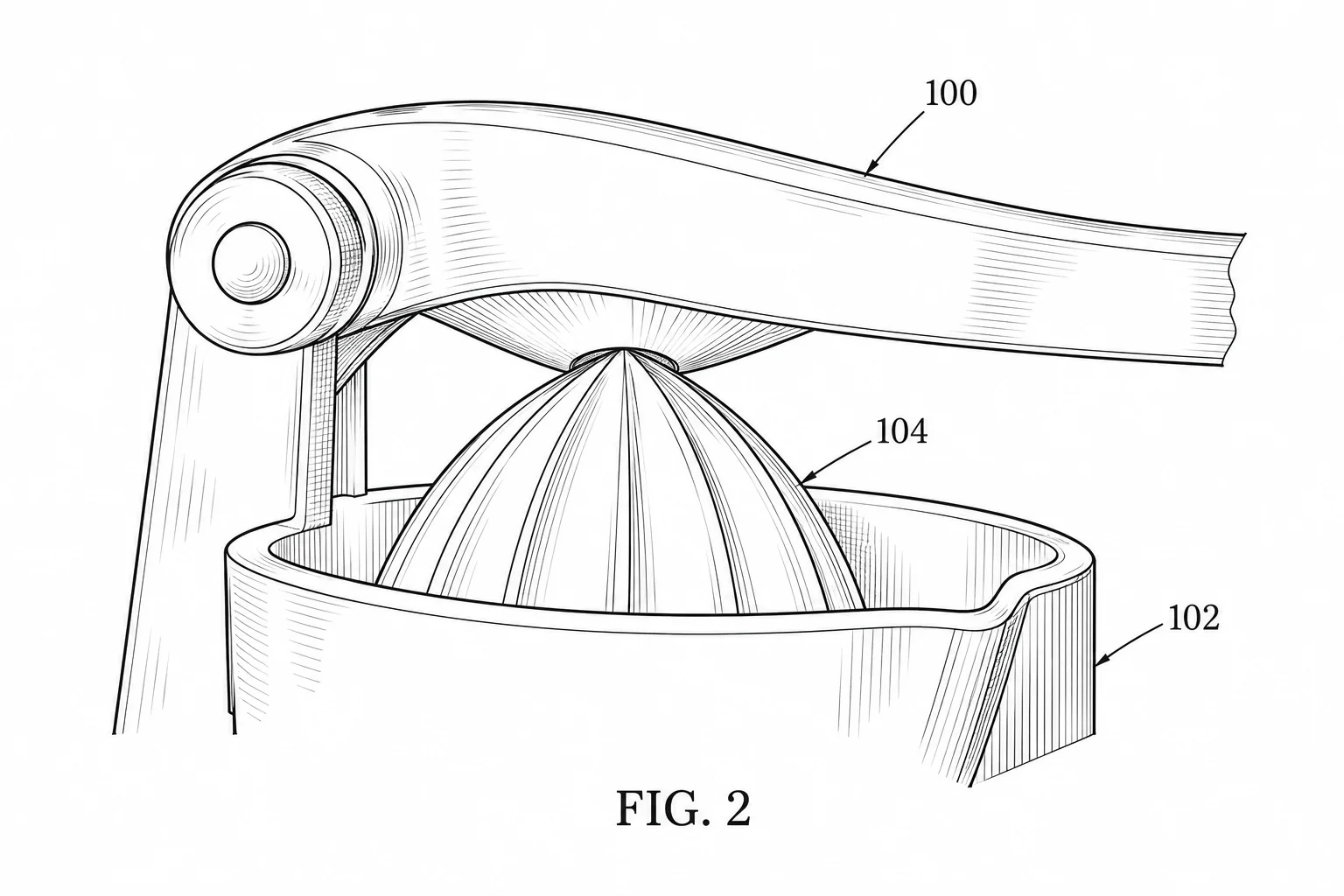
Name the lever, bowl, pivot, and base that the line art must preserve. Ask for background removal without redesigning the product.
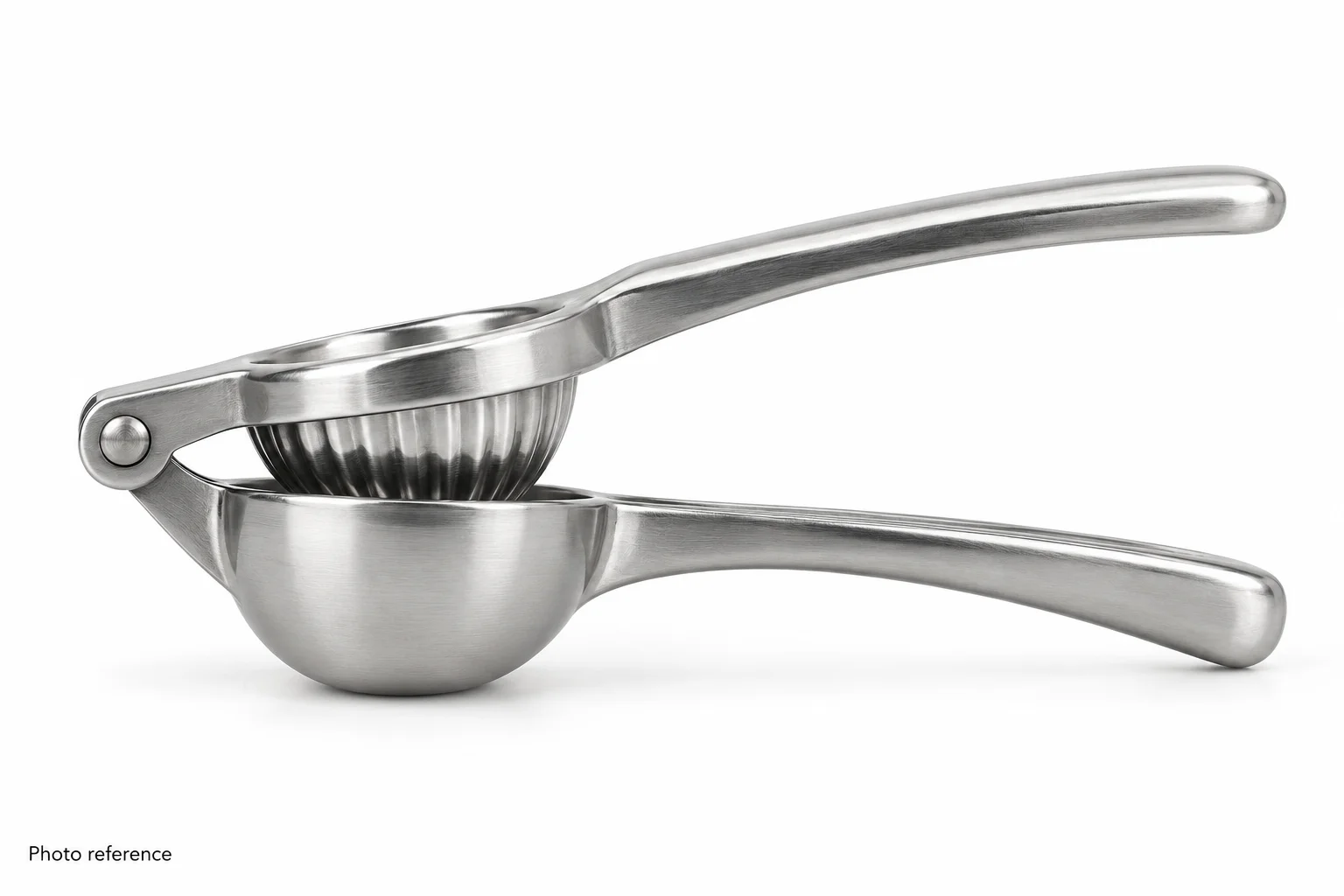
Open the full workspace to upload a photo you own or have permission to use. Show the whole object, avoid glare, and explain details hidden by the camera angle.
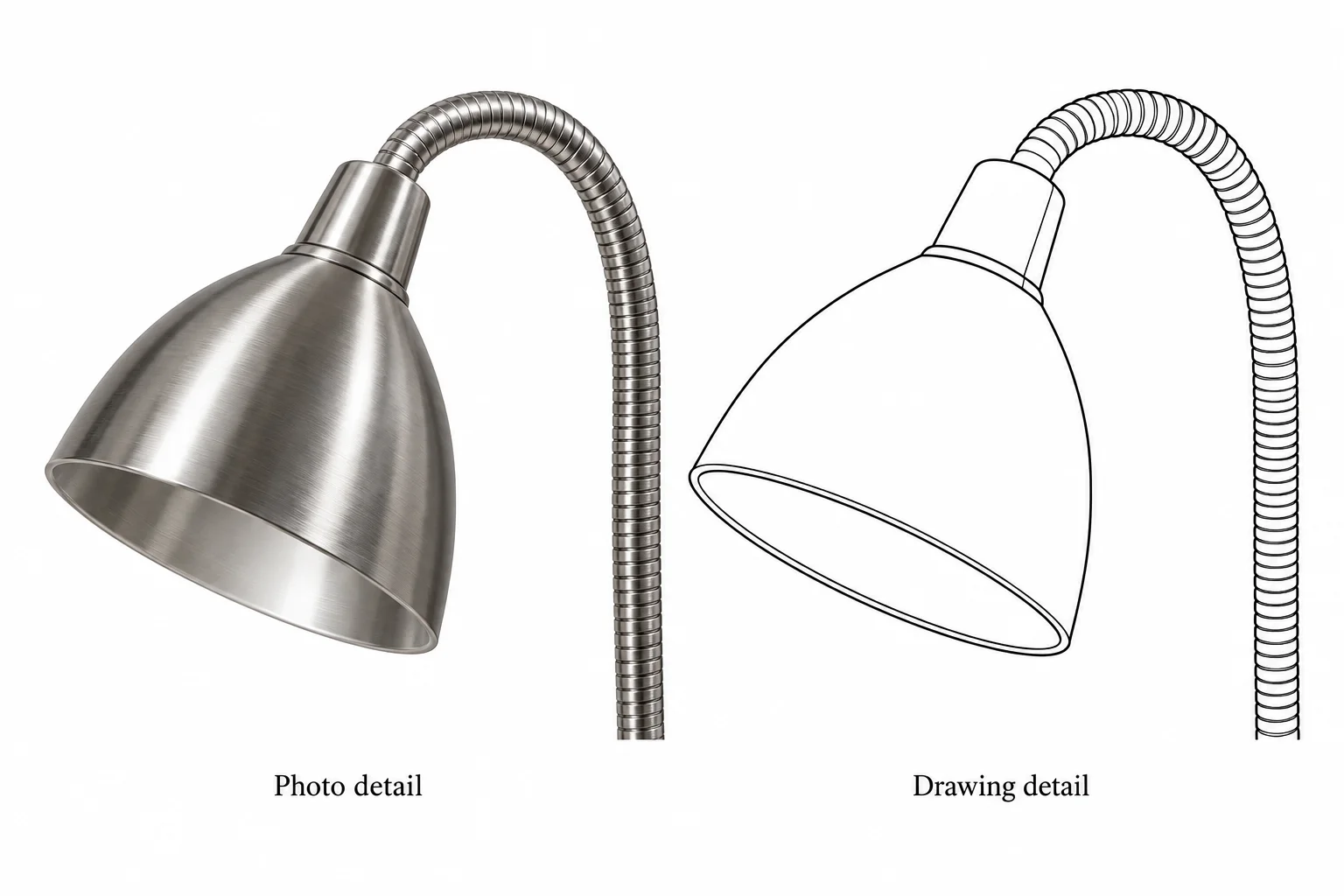
Compare a small but distinctive landmark before checking the whole outline. The lamp detail isolates the shade rim and neck bend so that reflections can be removed without changing physical edges. A clearer line is useful only when it still describes the photographed product.
Compare subscription plans and one-time credit packs for AI patent drawing generation. Every generated image downloads as PNG and should be reviewed before use.
For occasional patent drawings.
Includes
For regular invention and product workflows.
Includes
For frequent, high-volume image generation.
Includes







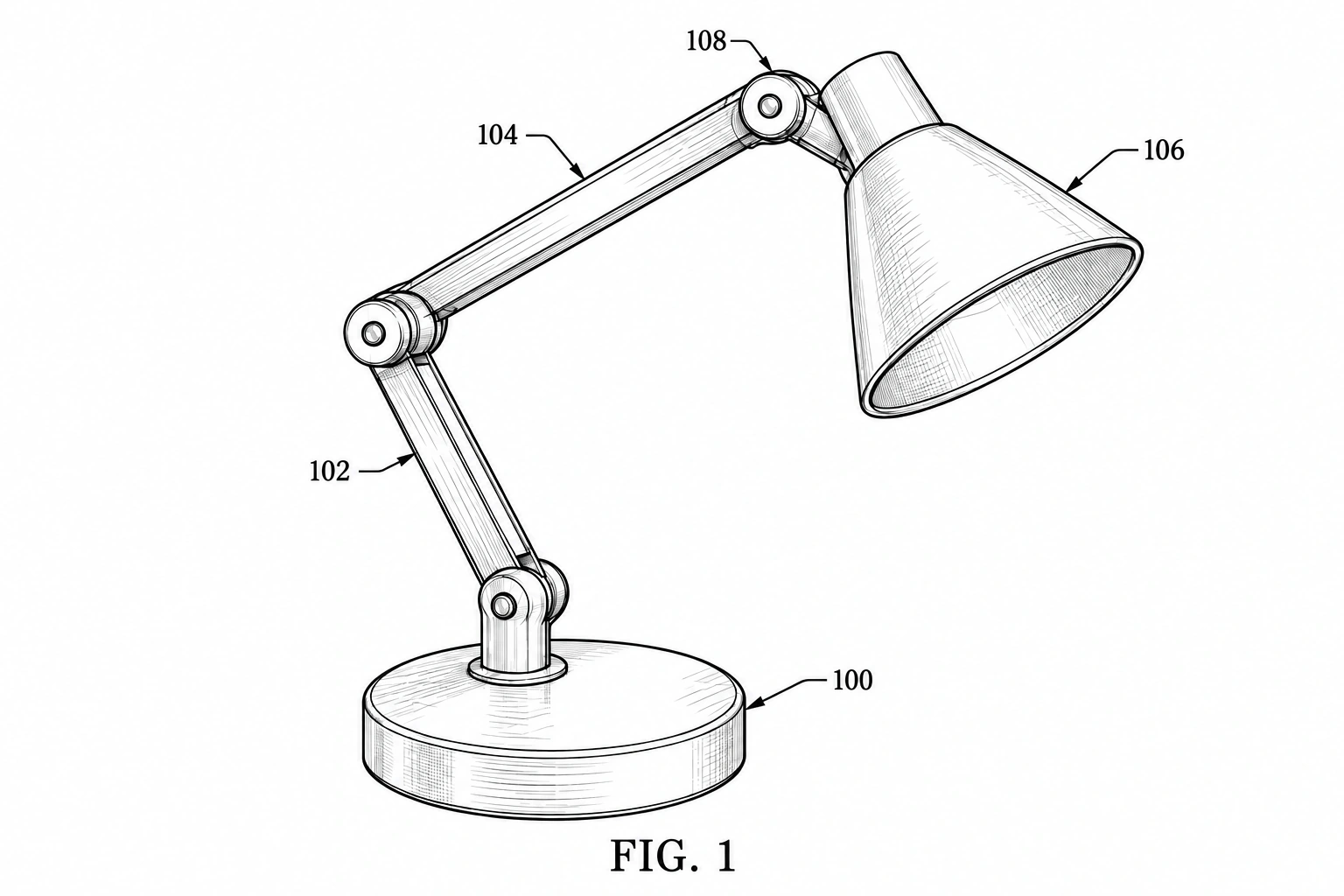 Patent drawing
Convert a hand-drawn product concept into a cleaner patent-style image draft. Upload a sketch, identify the main parts, and review the resulting PNG against your intended design.
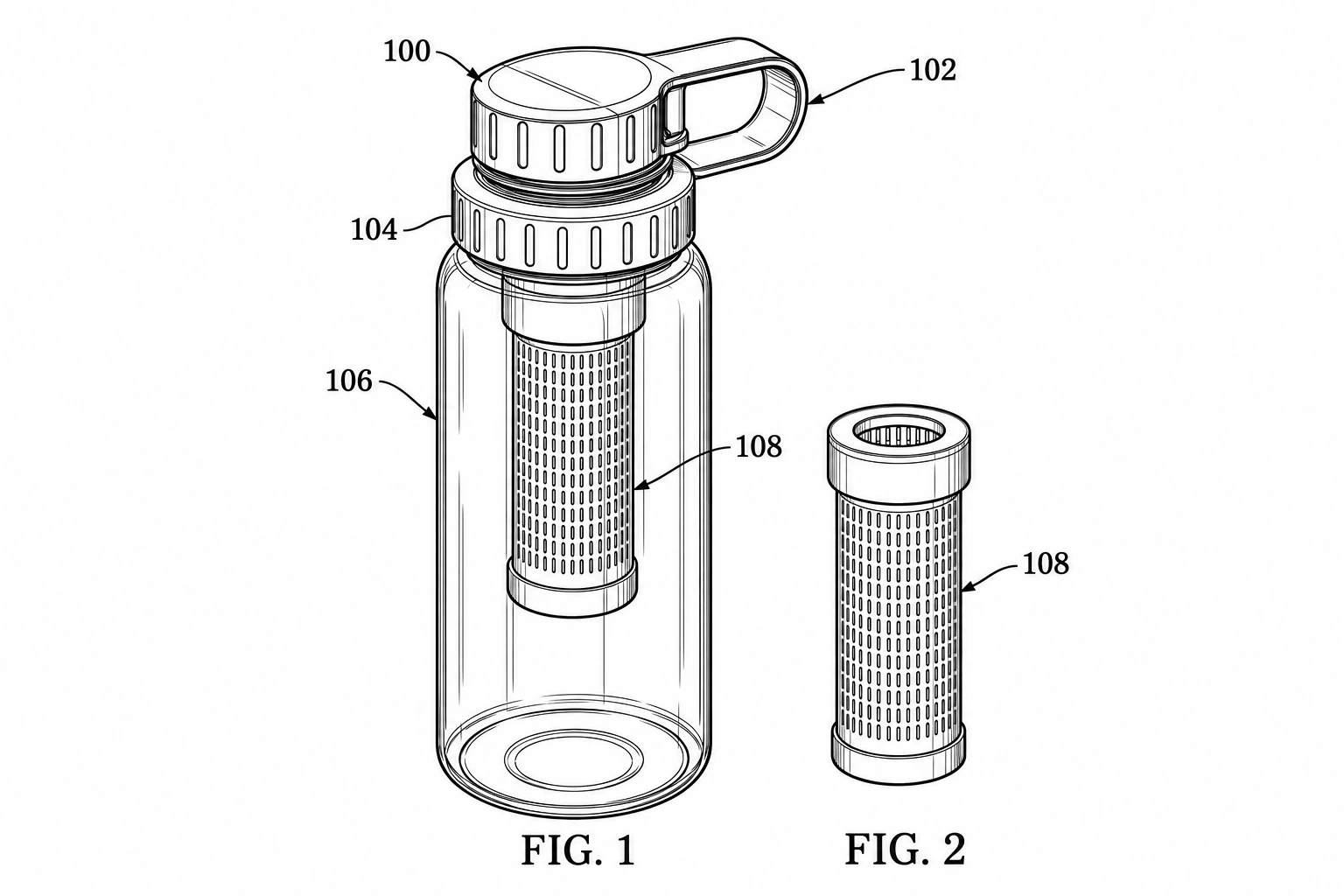 Patent drawing
Generate a two-dimensional perspective patent-style line drawing of a physical product. The result is a flat PNG illustration, not a rotatable 3D model or CAD geometry file.
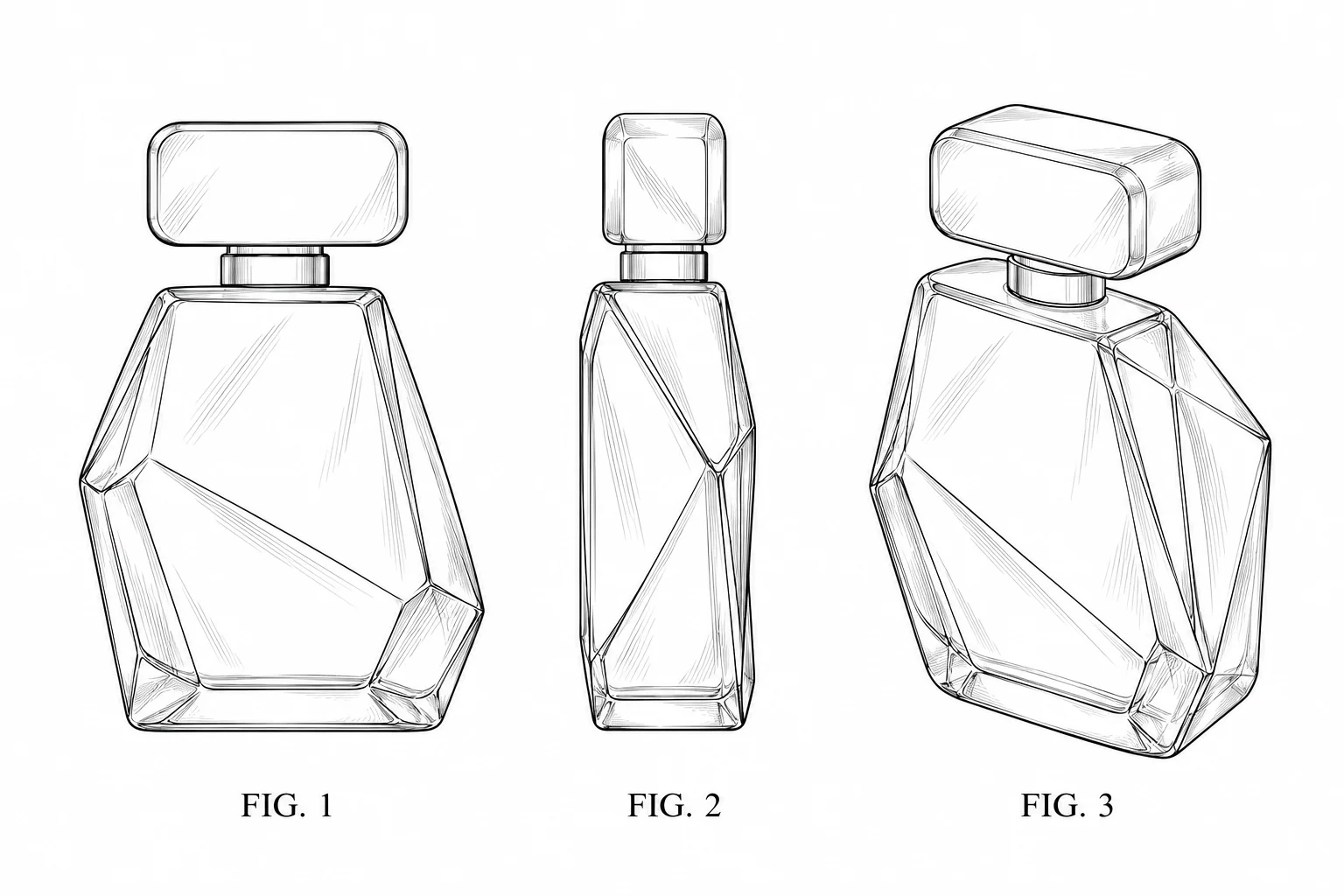 Patent drawing
Generate design patent drawings of product exteriors. Request perspective or orthographic views, check surface contours and download PNG illustrations.