
Cordless ratchet: perspective and cutaway
A perspective view explains the housing and battery; the cutaway exposes the motor and drive assembly. Component numerals connect the two views.
Generate a black-and-white patent-style drawing draft from a written description of a physical product. Describe its shape, visible components, and preferred view, then review and download the PNG.
Free to try ·
Your patent drawing will appear here
Describe the view and components to generate a PNG for review.
A clear prompt helps direct the composition, while a human review checks the image against the invention.
Name the housing, battery, and drive parts that must remain visible. Supply internal structure when requesting a cutaway.
Request front, rear, or side views for controls and mounting surfaces. Identify the features that must match across the images.
Check geometry, numbering, and view consistency. PNG images do not contain editable CAD or vector layers, and filing requirements need a separate review.
Name the housing, battery, and drive parts that must remain visible. Supply internal structure when requesting a cutaway.
Request front, rear, or side views for controls and mounting surfaces. Identify the features that must match across the images.
Check geometry, numbering, and view consistency. PNG images do not contain editable CAD or vector layers, and filing requirements need a separate review.
Compare a power-tool cutaway, a smart-lock view set and a gripper assembly to choose what your invention needs to explain.
A perspective view explains the housing and battery; the cutaway exposes the motor and drive assembly. Component numerals connect the two views.
Three views separate the keypad, rear enclosure, and door-facing profile. Use them to explain visible features without inferring a hidden mechanism.
An assembled gripper and separated jaw components illustrate attachment order, opposing contact surfaces, and the relationship between parts.
Choose a view that explains the mechanism · Use several views to clarify exterior features · Describe how components relate
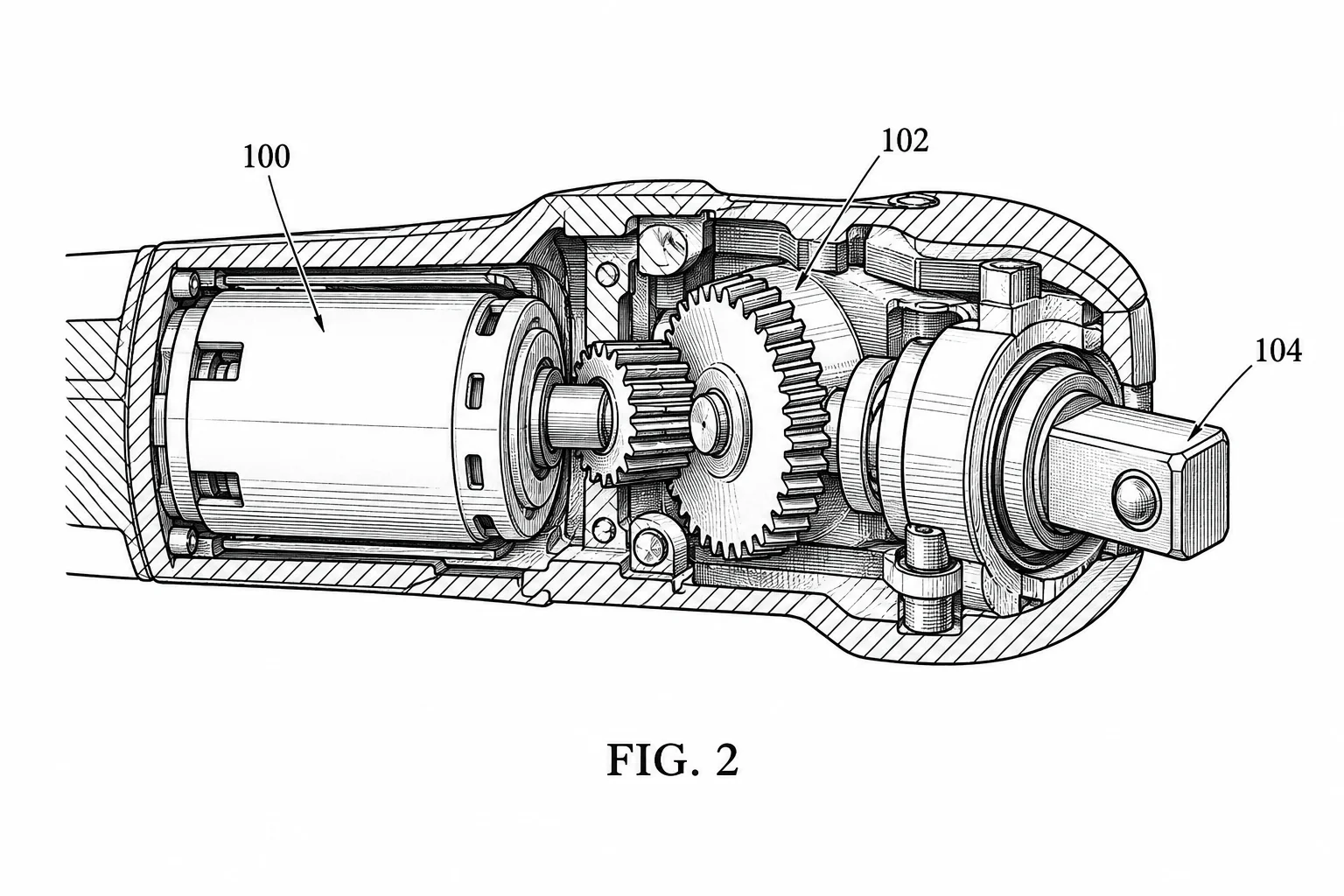
Name the housing, battery, and drive parts that must remain visible. Supply internal structure when requesting a cutaway.
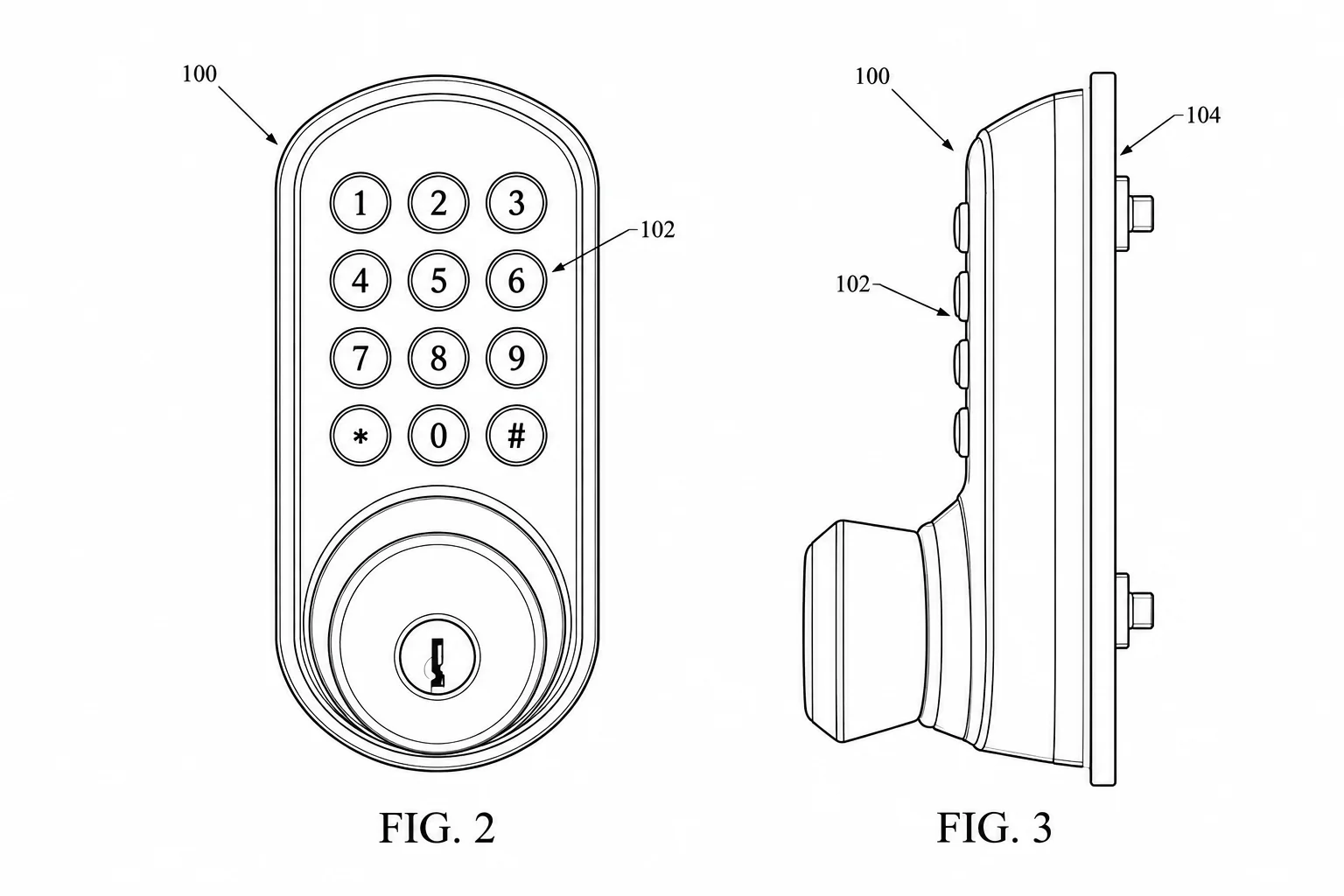
Request front, rear, or side views for controls and mounting surfaces. Identify the features that must match across the images.
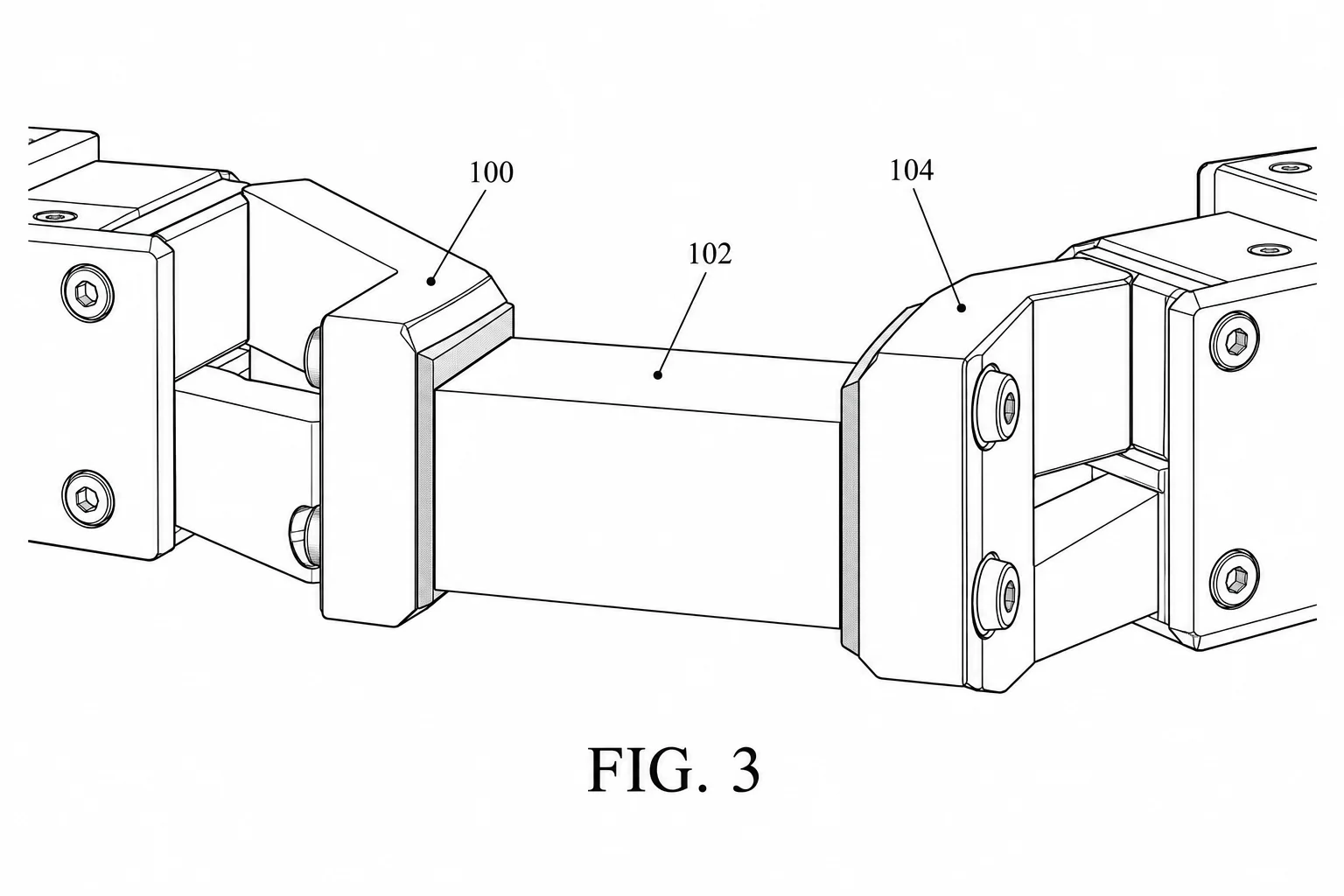
Explain which jaws move, where they attach, and what grips the object. Use the same numeral for each repeated part.
Compare subscription plans and one-time credit packs for AI patent drawing generation. Every generated image downloads as PNG and should be reviewed before use.
For occasional patent drawings.
Includes
For regular invention and product workflows.
Includes
For frequent, high-volume image generation.
Includes









 Patent drawing
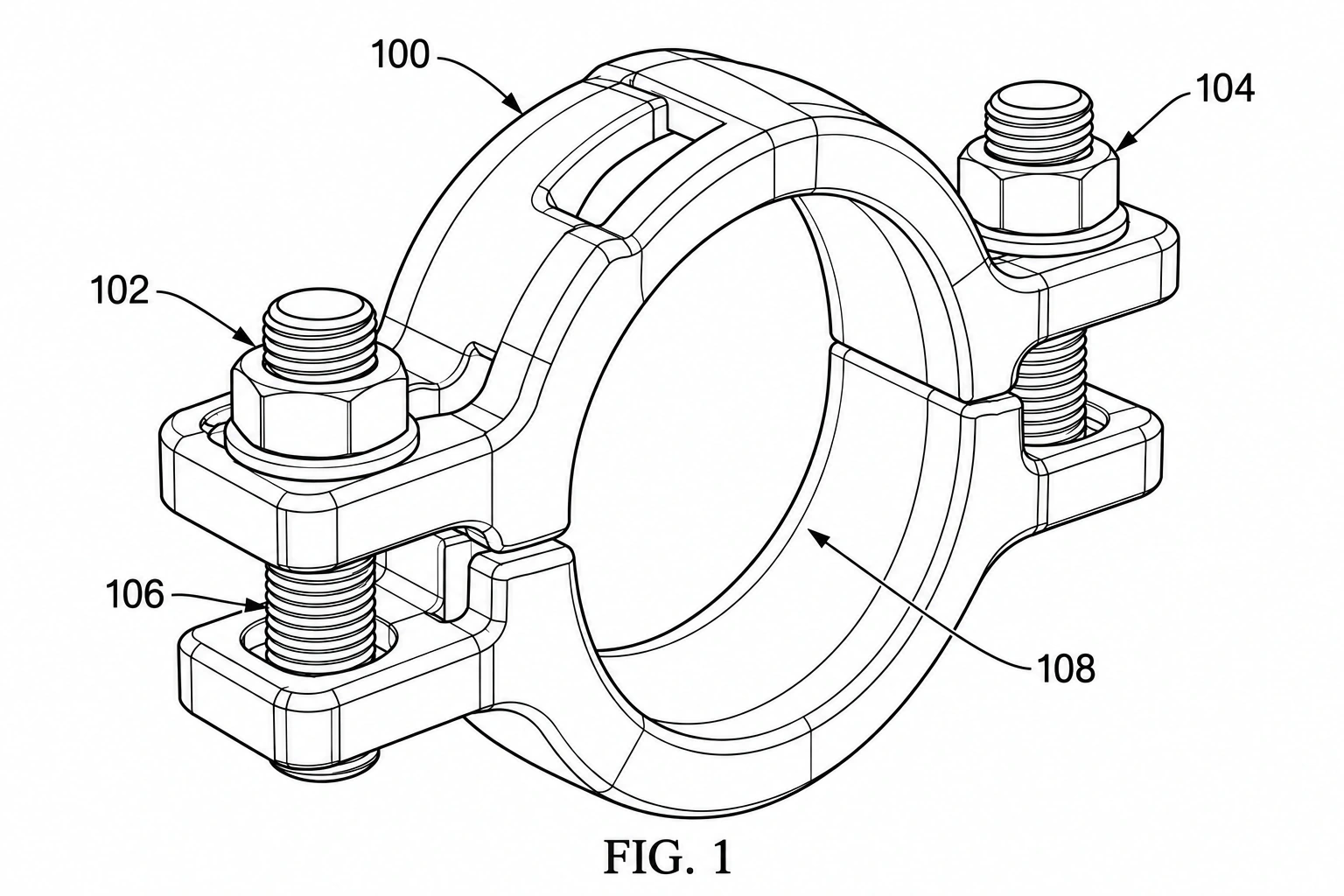
Turn a product photo into a patent-style drawing draft. Upload a clear reference image, describe the visible features to retain, and review the generated PNG against the actual product.
 Patent drawing
Use a CAD screenshot or render as a visual reference for a patent-style drawing draft. Upload a raster image, describe the product view you need, then inspect the PNG for details that require correction.
 Patent drawing
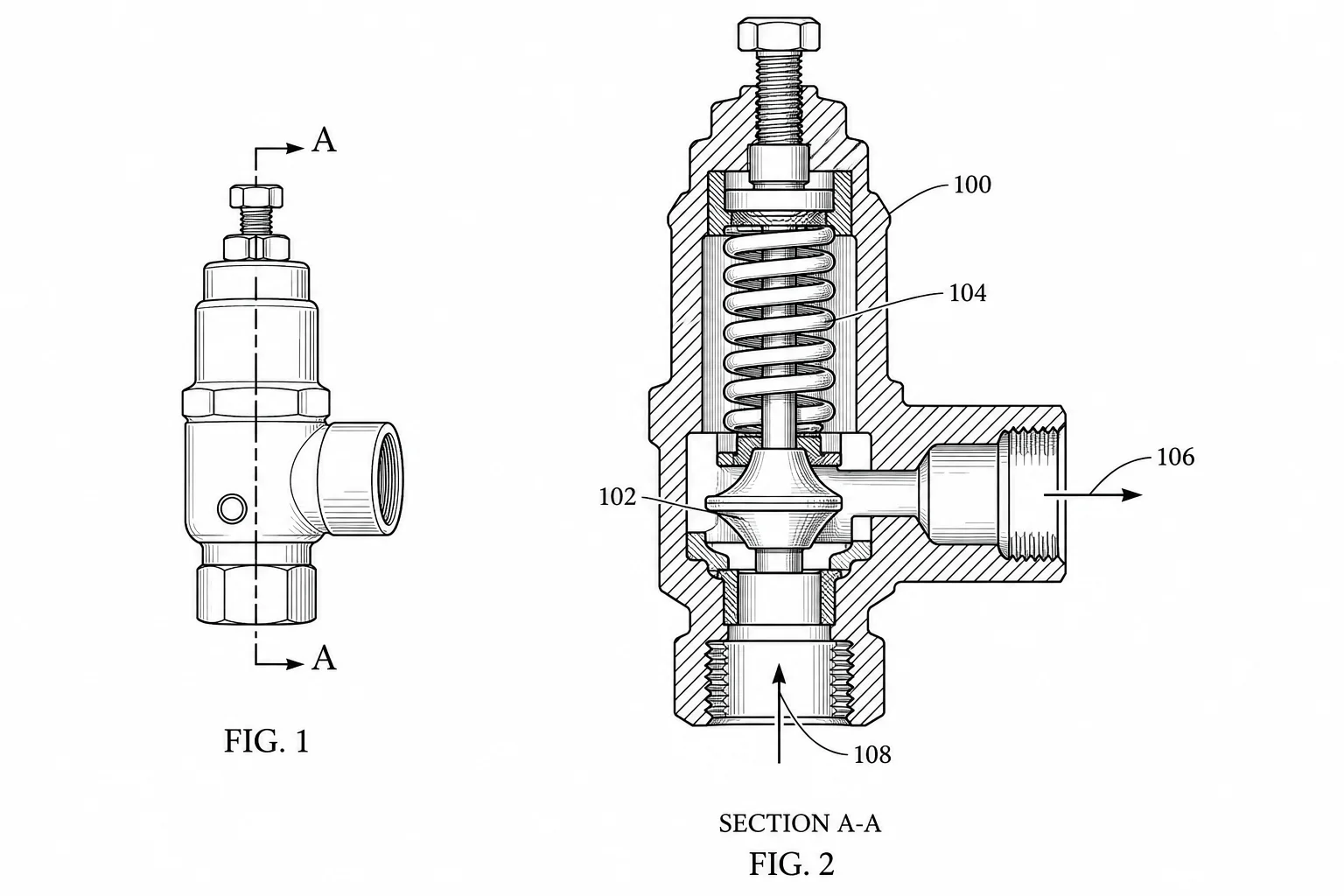
Create cross-section patent drawings from text or a reference. Show internal parts, section boundaries and hatching, then review and download a PNG.