
Relief valve: spring and poppet section
A longitudinal section distinguishes the housing, moving poppet and spring. The inlet and outlet remain separate so the internal passage can be traced.
Generate sectional patent drawings that reveal internal parts, cavities and material boundaries. Describe the cutting plane, review the PNG and compare it with your invention.
Free to try ·
Your patent drawing will appear here
Describe the view and components to generate a PNG for review.
A clear prompt helps direct the composition, while a human review checks the image against the invention.
Name the part and the cut you need, such as a longitudinal valve section.
Provide the actual wall, spring and cavity arrangement in words or a reference image in the workspace.
Check the cut boundaries and passages at full size, then request a specific correction.
Name the part and the cut you need, such as a longitudinal valve section.
Provide the actual wall, spring and cavity arrangement in words or a reference image in the workspace.
Check the cut boundaries and passages at full size, then request a specific correction.
Compare a relief valve, insulated cup and liquid dispenser: each section reveals a different relationship between solid parts and internal space.
A longitudinal section distinguishes the housing, moving poppet and spring. The inlet and outlet remain separate so the internal passage can be traced.
The axial section reveals the inner wall, outer wall and insulating gap. Separate hatch directions help distinguish touching materials around the lid.
The section follows the dip tube through the inlet valve to the nozzle. The return spring and plunger are visible without treating the internal cavity as solid material.
Specify the cutting plane · Separate adjacent materials with hatching · Trace cavities before judging the line work
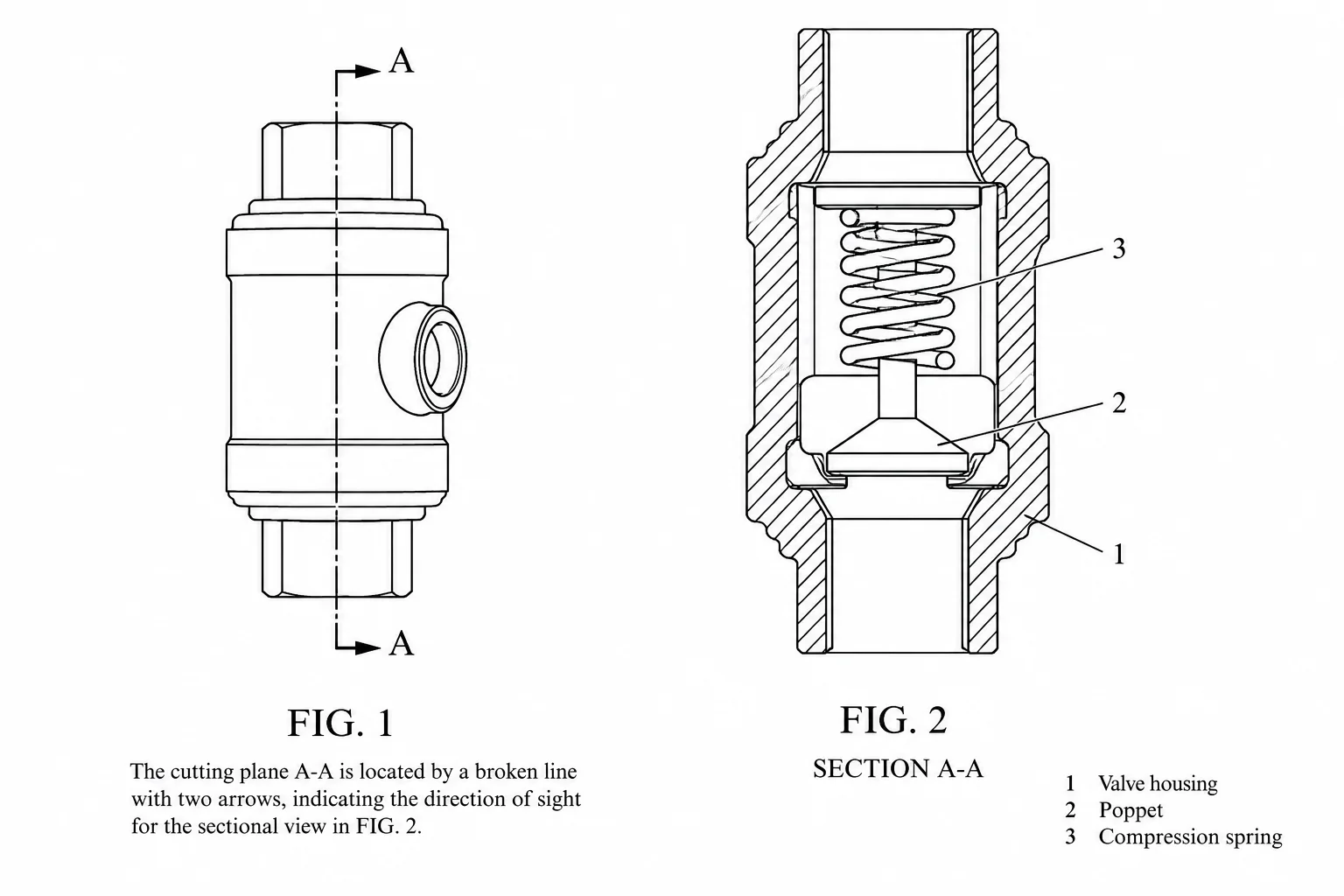
Identify where the section passes through the product and which direction the viewer looks. An exterior view marked A–A can be paired with a corresponding section; explain any offset instead of asking the model to guess the interior.
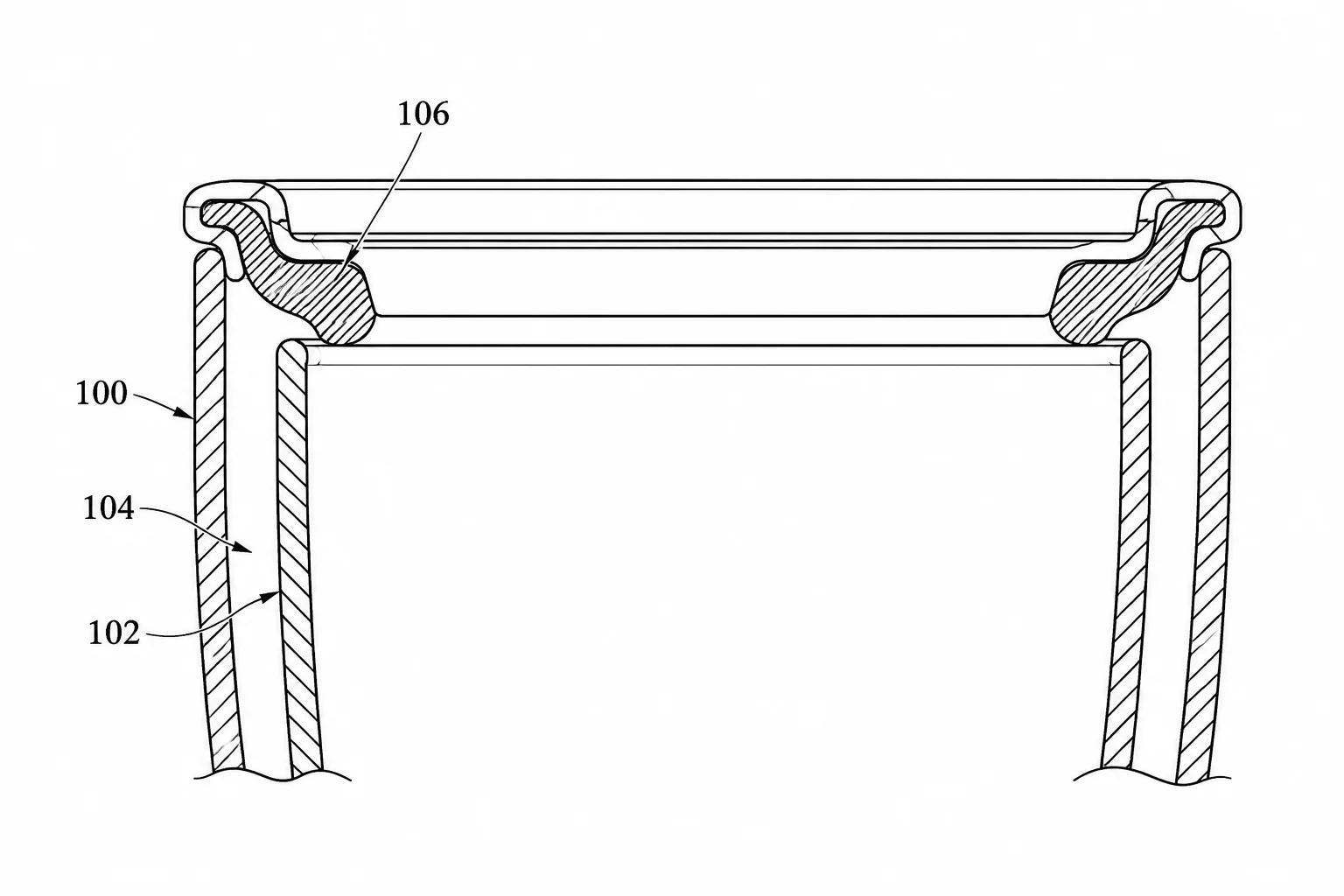
State which boundaries belong to solid walls, seals and empty gaps. In the cup-rim detail, opposing hatch directions distinguish adjacent walls while the insulating gap remains blank. Review narrow seals at full size because dense lines can merge.
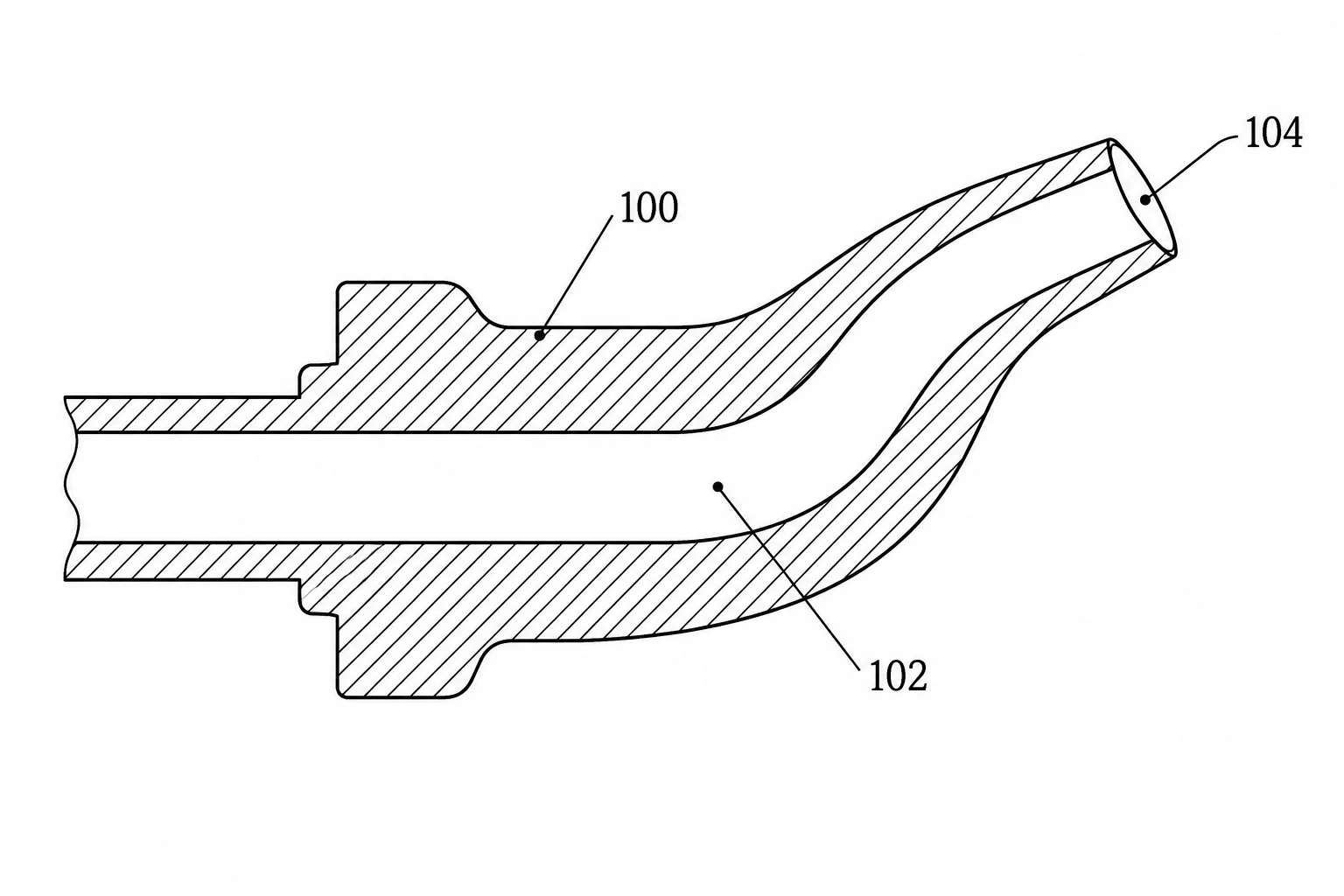
Follow the dispenser channel from inlet to outlet and confirm that every hollow region is distinct from cut material. A missing opening can make a tidy drawing explain the wrong mechanism. Compare the generated section with a documented internal reference.
Compare subscription plans and one-time credit packs for AI patent drawing generation. Every generated image downloads as PNG and should be reviewed before use.
For occasional patent drawings.
Includes
For regular invention and product workflows.
Includes
For frequent, high-volume image generation.
Includes









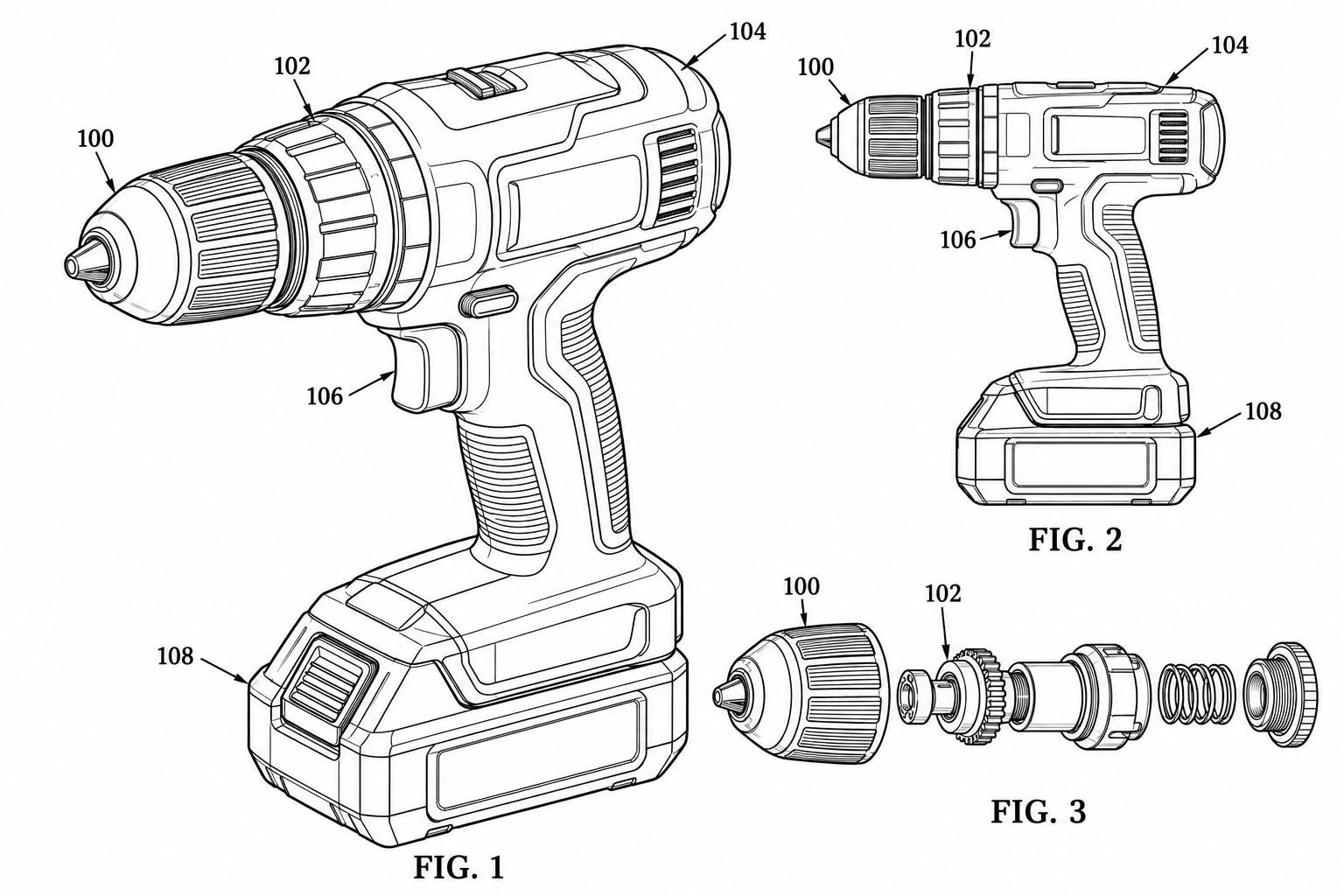 Patent drawing
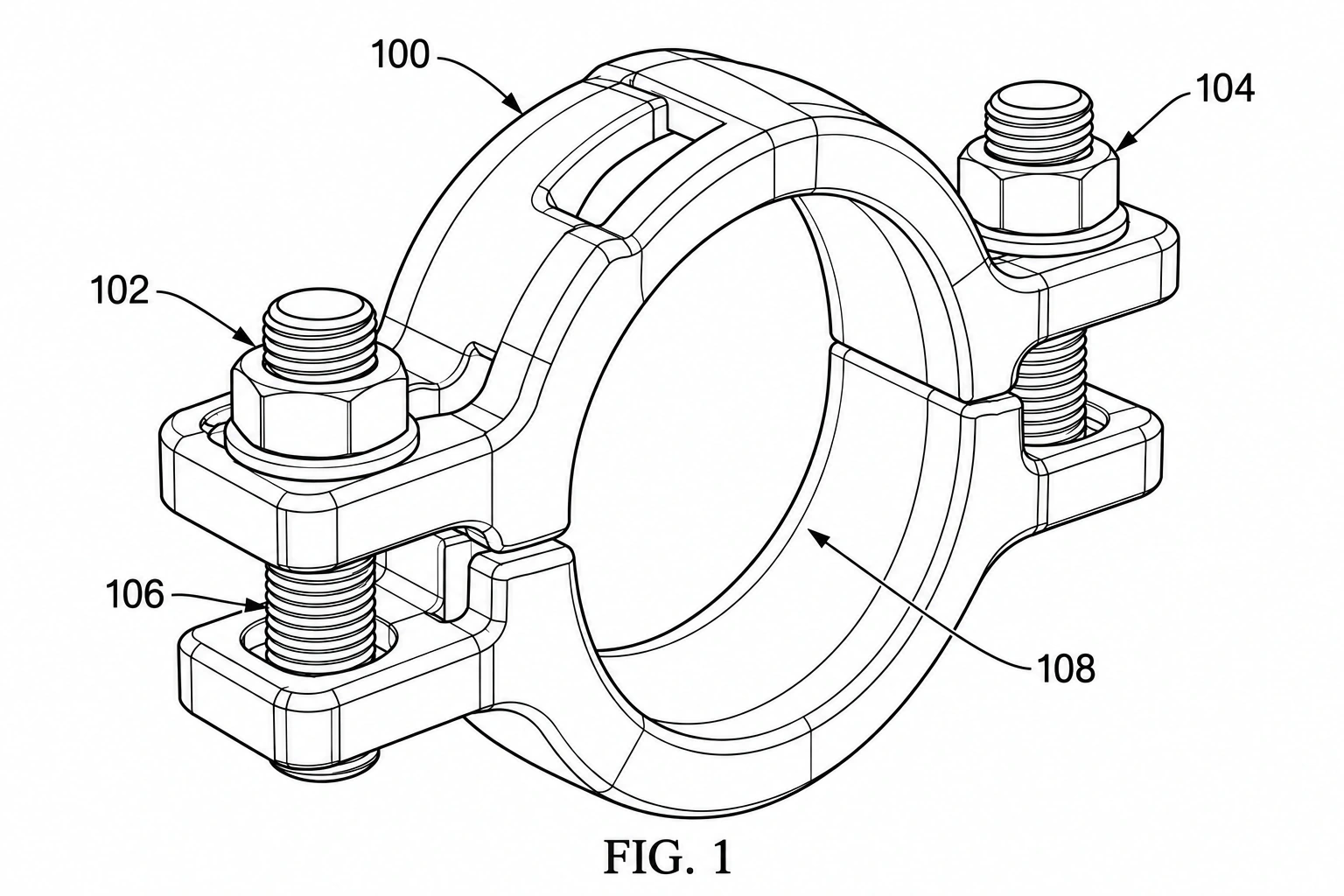
Illustrate mechanisms, assemblies, and visible component details.
 Patent drawing
Create patent line art using a CAD screenshot as your reference.
 Patent drawing
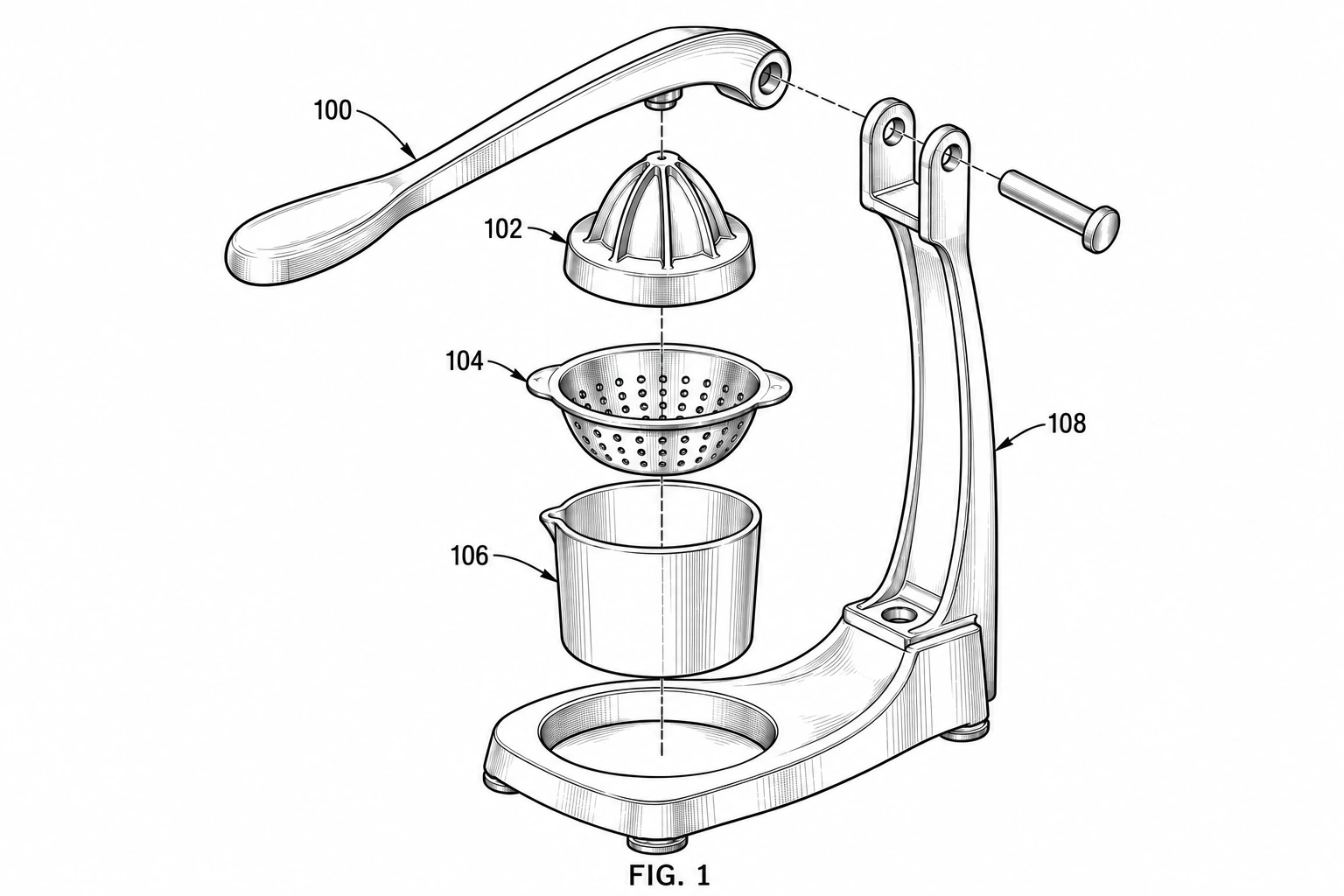
Show how product components fit together in an exploded view.