
Citrus press: separated lever and pressing assembly
The lever, pivot, pressing parts, cup, and frame are separated along assembly directions. Their alignment explains how the press fits together.
Create an exploded-view composition that separates plausible components of a physical product. Describe how the parts fit together, then check the generated PNG for component order and alignment.
Free to try ·
Your patent drawing will appear here
Describe the view and components to generate a PNG for review.
A clear prompt helps direct the composition, while a human review checks the image against the invention.
Describe which parts lift vertically and which attach at the pivot. Leave enough space for leader lines without changing the assembly order.
Keep lens, housing, sensor, and rear components in their documented sequence. Explain where each subassembly belongs instead of scattering parts.
Check geometry, numbering, and view consistency. PNG images do not contain editable CAD or vector layers, and filing requirements need a separate review.
Describe which parts lift vertically and which attach at the pivot. Leave enough space for leader lines without changing the assembly order.
Keep lens, housing, sensor, and rear components in their documented sequence. Explain where each subassembly belongs instead of scattering parts.
Check geometry, numbering, and view consistency. PNG images do not contain editable CAD or vector layers, and filing requirements need a separate review.
Compare vertical press components, an axial camera assembly and stacked filter parts before choosing separation directions for your product.
The lever, pivot, pressing parts, cup, and frame are separated along assembly directions. Their alignment explains how the press fits together.
An exploded camera view separates optical, housing, and rear components. Keep the component order tied to an actual assembly reference; the illustration is not a teardown specification.
The lid, basket, seal, housing and cup follow one vertical assembly axis. Separation makes the seating order visible without implying that the parts float during use.
Choose an assembly axis and part order · Separate groups without losing their relationships · Check bearing races and repeated balls
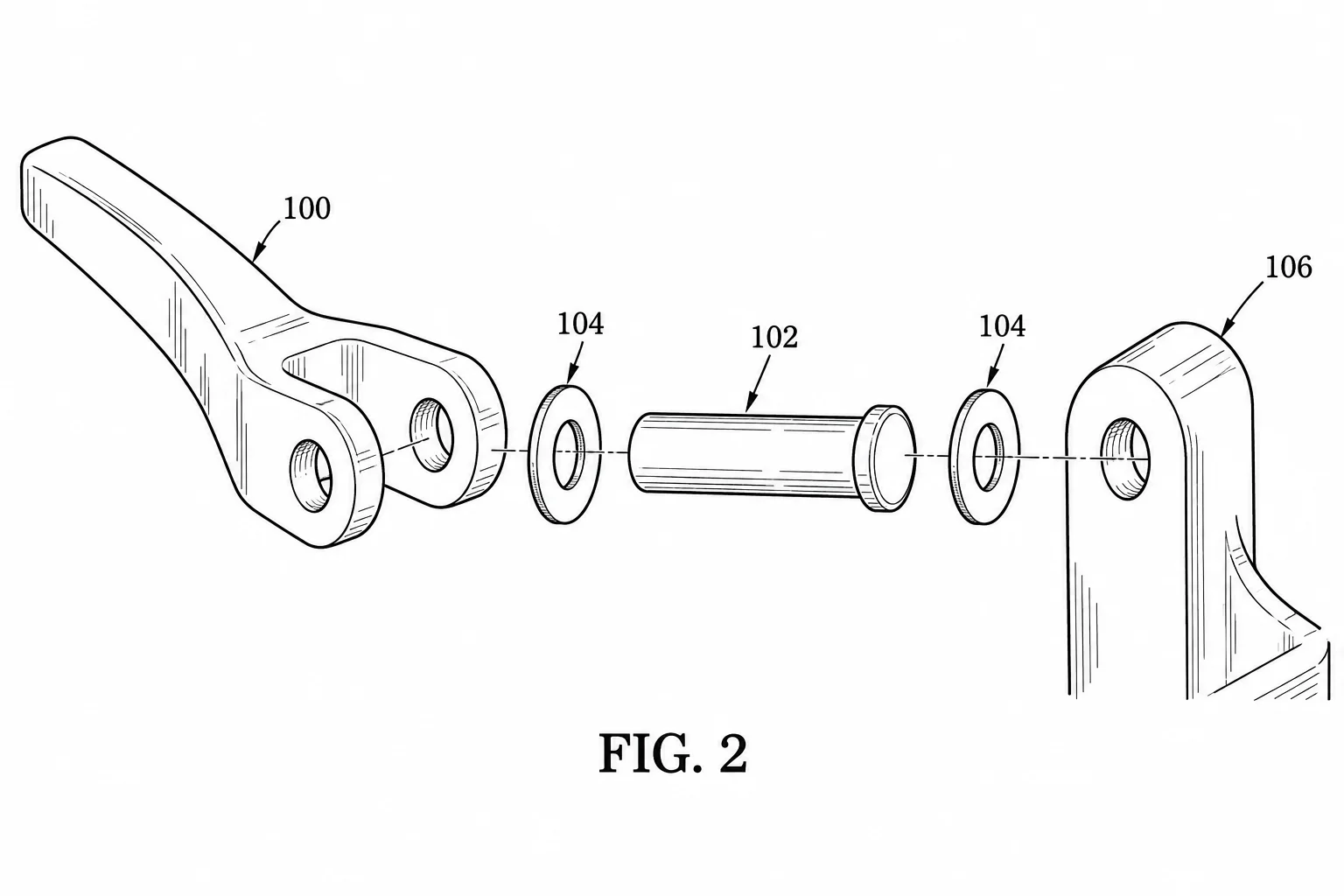
Describe which parts lift vertically and which attach at the pivot. Leave enough space for leader lines without changing the assembly order.
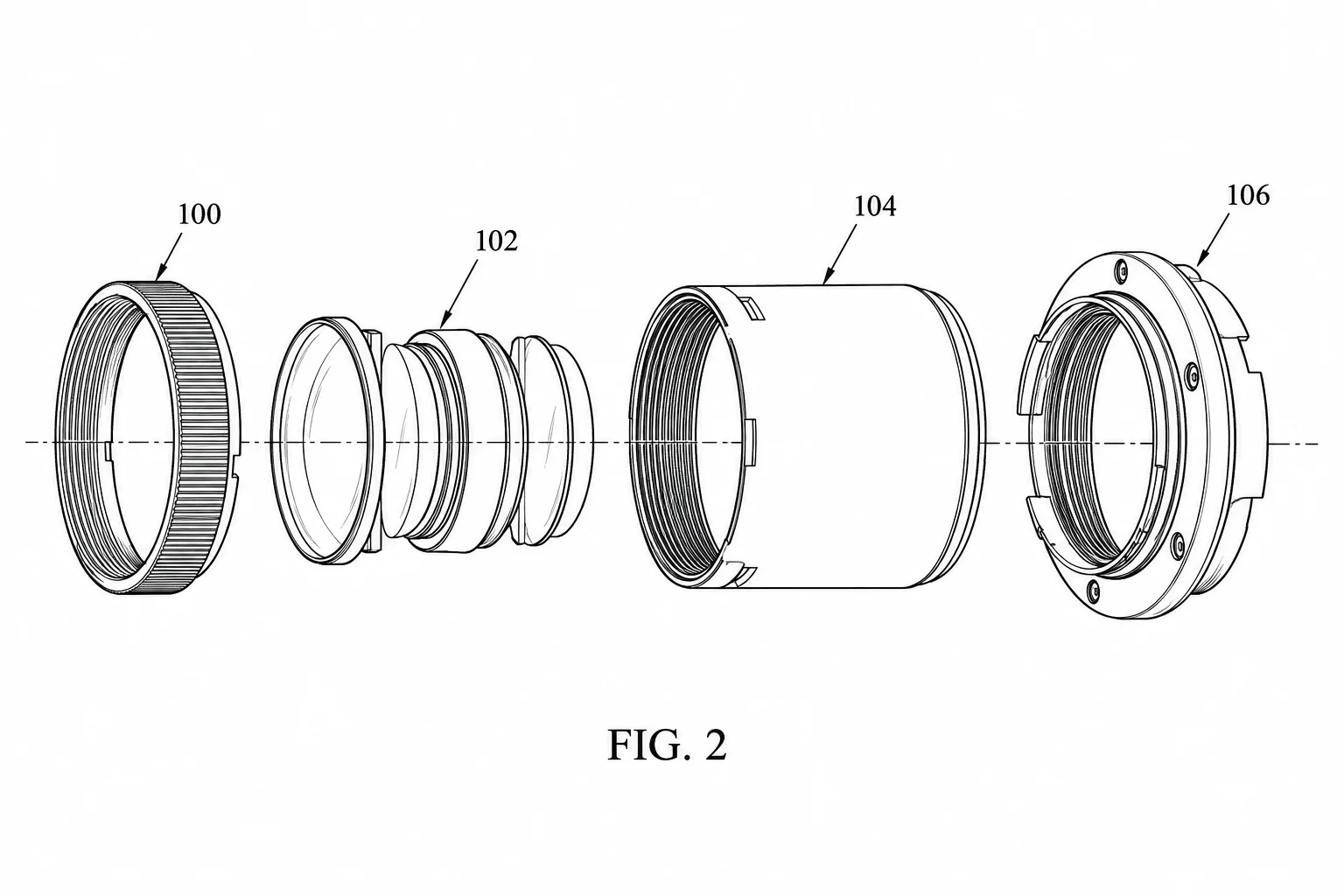
Keep lens, housing, sensor, and rear components in their documented sequence. Explain where each subassembly belongs instead of scattering parts.
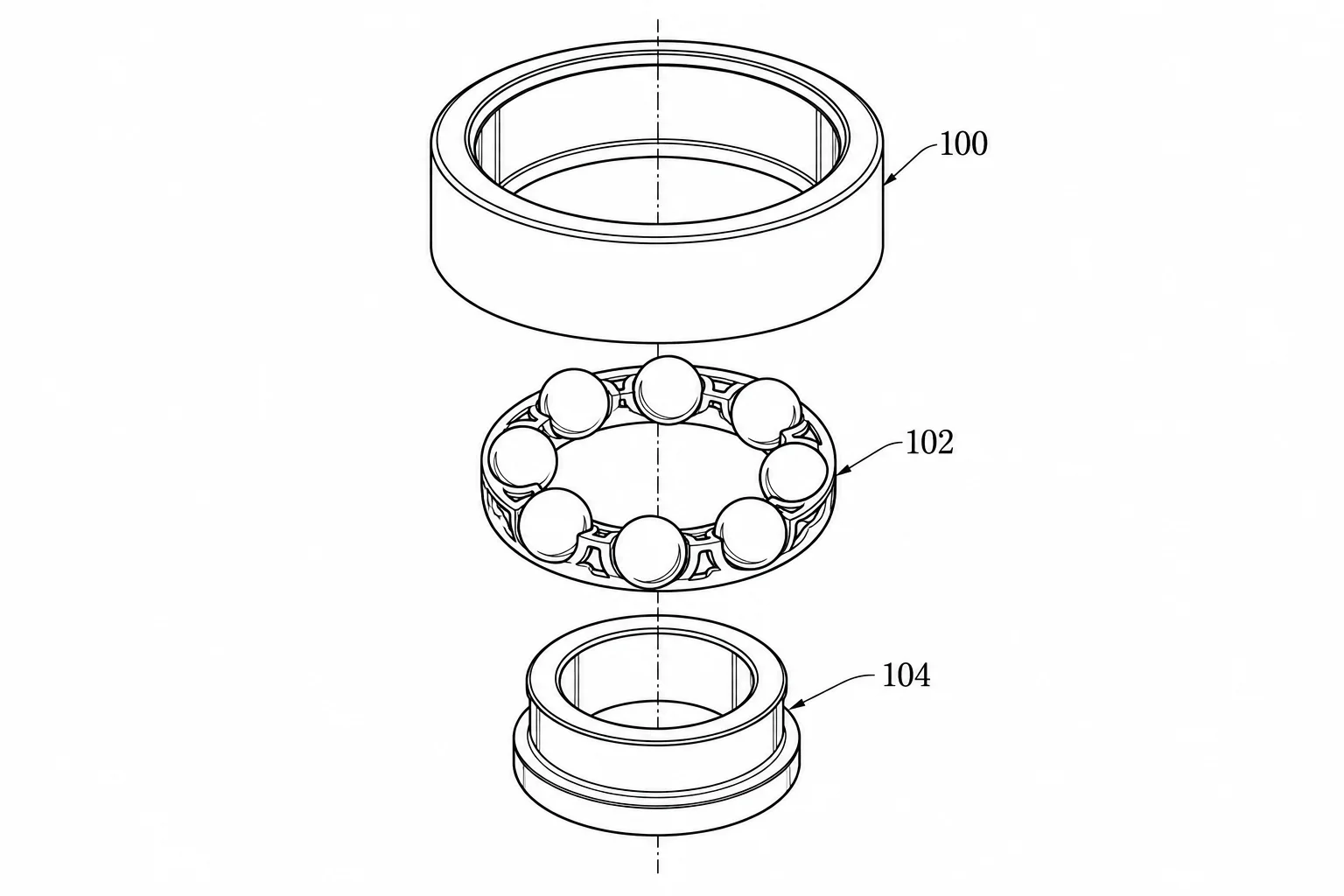
Describe how the cage retains the balls between the inner and outer races. Check the assembly axis, race orientation, and ball count against your own bearing reference; do not rely on a neat arrangement to establish mechanical correctness.
Compare subscription plans and one-time credit packs for AI patent drawing generation. Every generated image downloads as PNG and should be reviewed before use.
For occasional patent drawings.
Includes
For regular invention and product workflows.
Includes
For frequent, high-volume image generation.
Includes









 Patent drawing
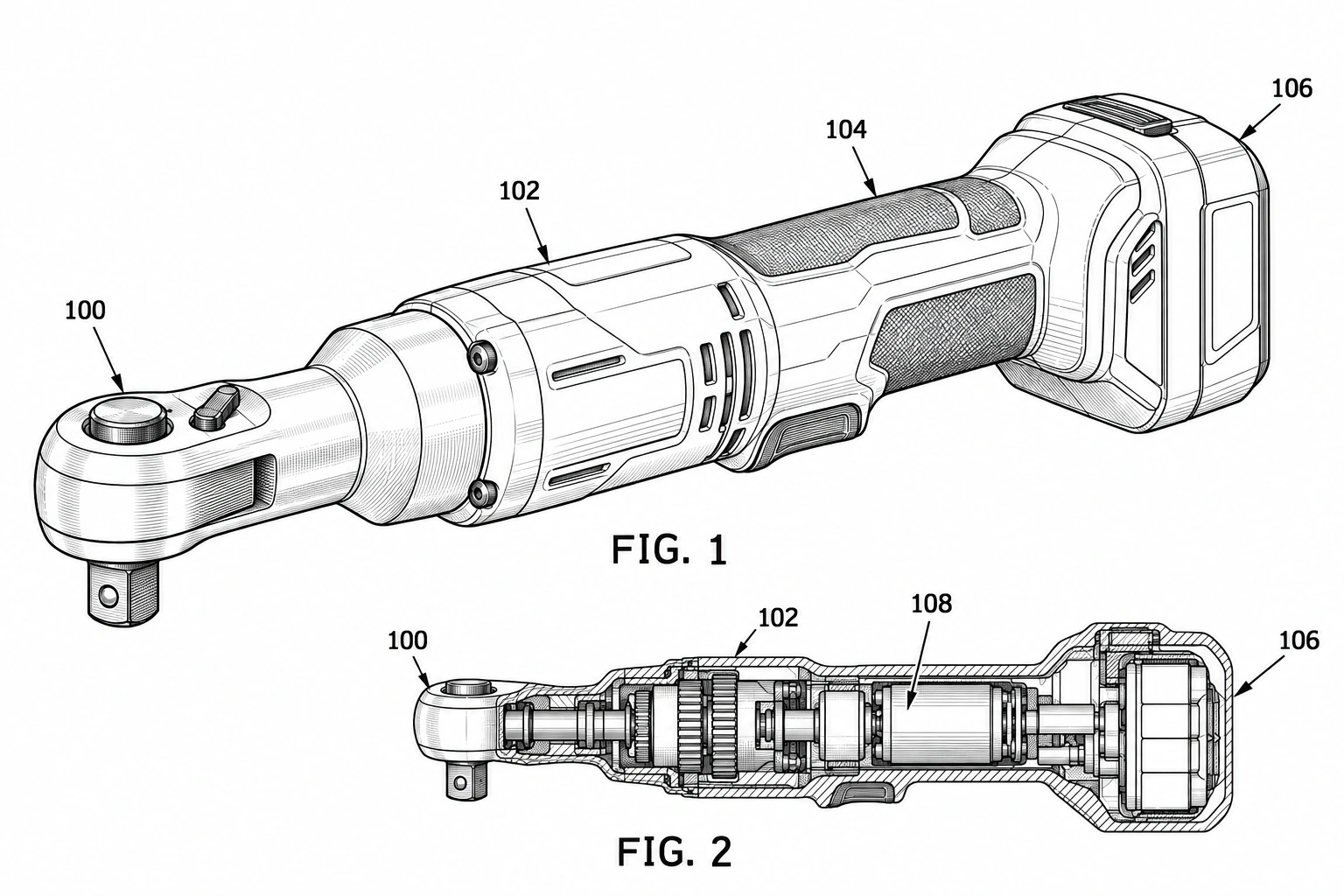
Generate a black-and-white patent-style drawing draft from a written description of a physical product. Describe its shape, visible components, and preferred view, then review and download the PNG.
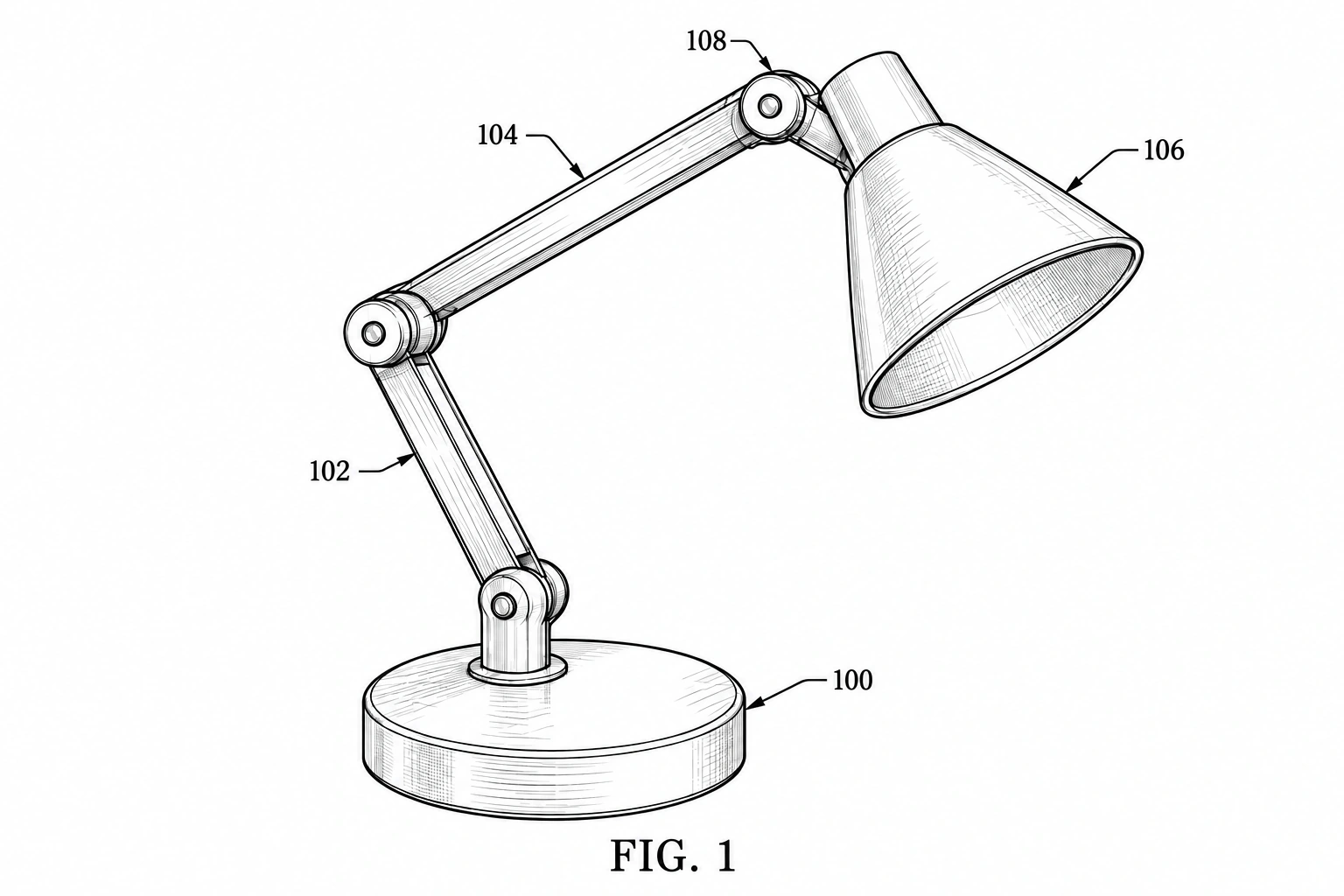 Patent drawing
Convert a hand-drawn product concept into a cleaner patent-style image draft. Upload a sketch, identify the main parts, and review the resulting PNG against your intended design.
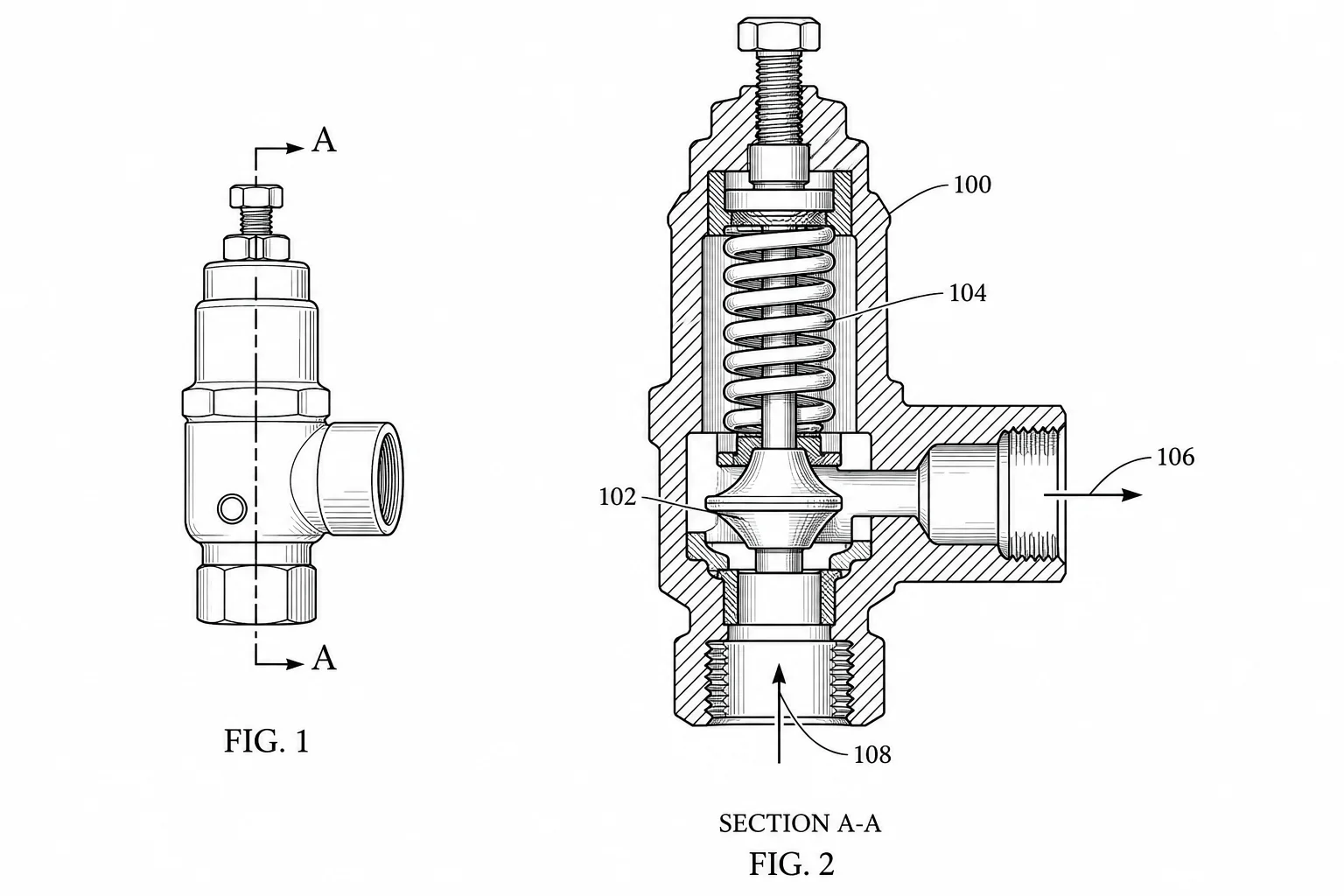 Patent drawing
Create cross-section patent drawings from text or a reference. Show internal parts, section boundaries and hatching, then review and download a PNG.