
Water filtration: functional block diagram
Reservoir, filter, sensor, pump, and outlet blocks show the water path. A separate controller connection distinguishes control signals from material flow.
Generate a patent flowchart or block diagram from a written process description. Define components, sequence, and connections, then review and download a monochrome PNG draft.
This generator produces a PNG image draft. The workspace offers drawing options and, when enabled, native SVG flowcharts and block diagrams.
Open the drawing workspaceFree to try ·
Your patent drawing will appear here
Describe the view and components to generate a PNG for review.
Generate a patent flowchart or block diagram from a written process description. Define components, sequence, and connections, then review and download a monochrome PNG draft.
List each functional block and specify the direction of every connection. Distinguish water flow from controller signals with a stated arrow convention.
Write the steps in order and state the condition at each decision. Give every branch a destination, including failures and returns.
Check step order, arrow direction, decision labels, and feedback paths. PNG output is a flat diagram; verify any filing requirements separately.
Distinguish a functional water-system diagram, a step-by-step process and a sensor feedback loop. In-image labels follow the language shown in each preview.
Reservoir, filter, sensor, pump, and outlet blocks show the water path. A separate controller connection distinguishes control signals from material flow.
A step-by-step process diagram shows operation order and decision branches. Read each arrow as a defined transition, not just a decorative connection.
A threshold decision sends a YES branch to the actuator and a NO branch back to measurement. This example uses English diagram labels and shows where loop direction matters.
Map system components and connection types · Define process order and decision branches · Verify the threshold and feedback path
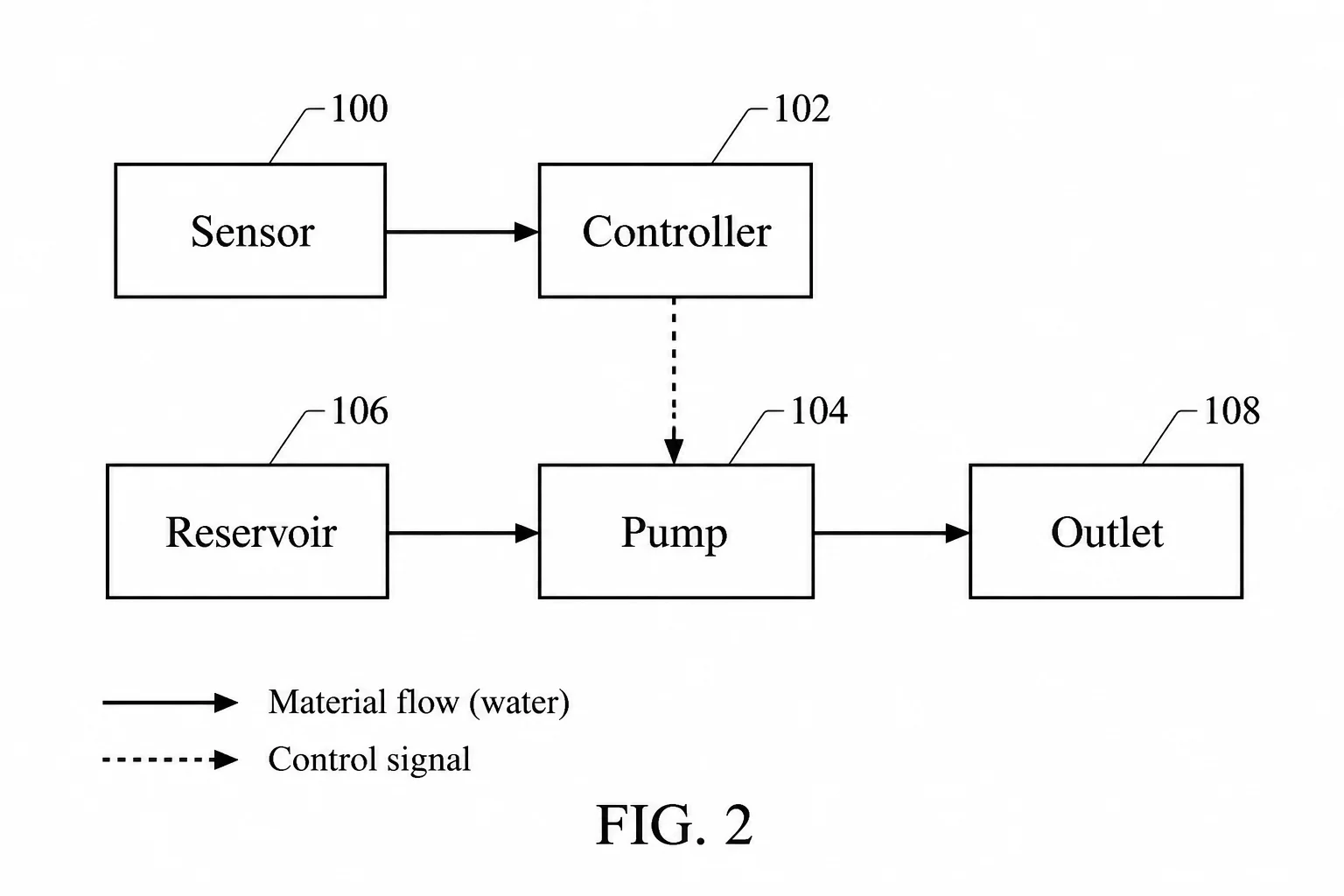
List each functional block and specify the direction of every connection. Distinguish water flow from controller signals with a stated arrow convention.
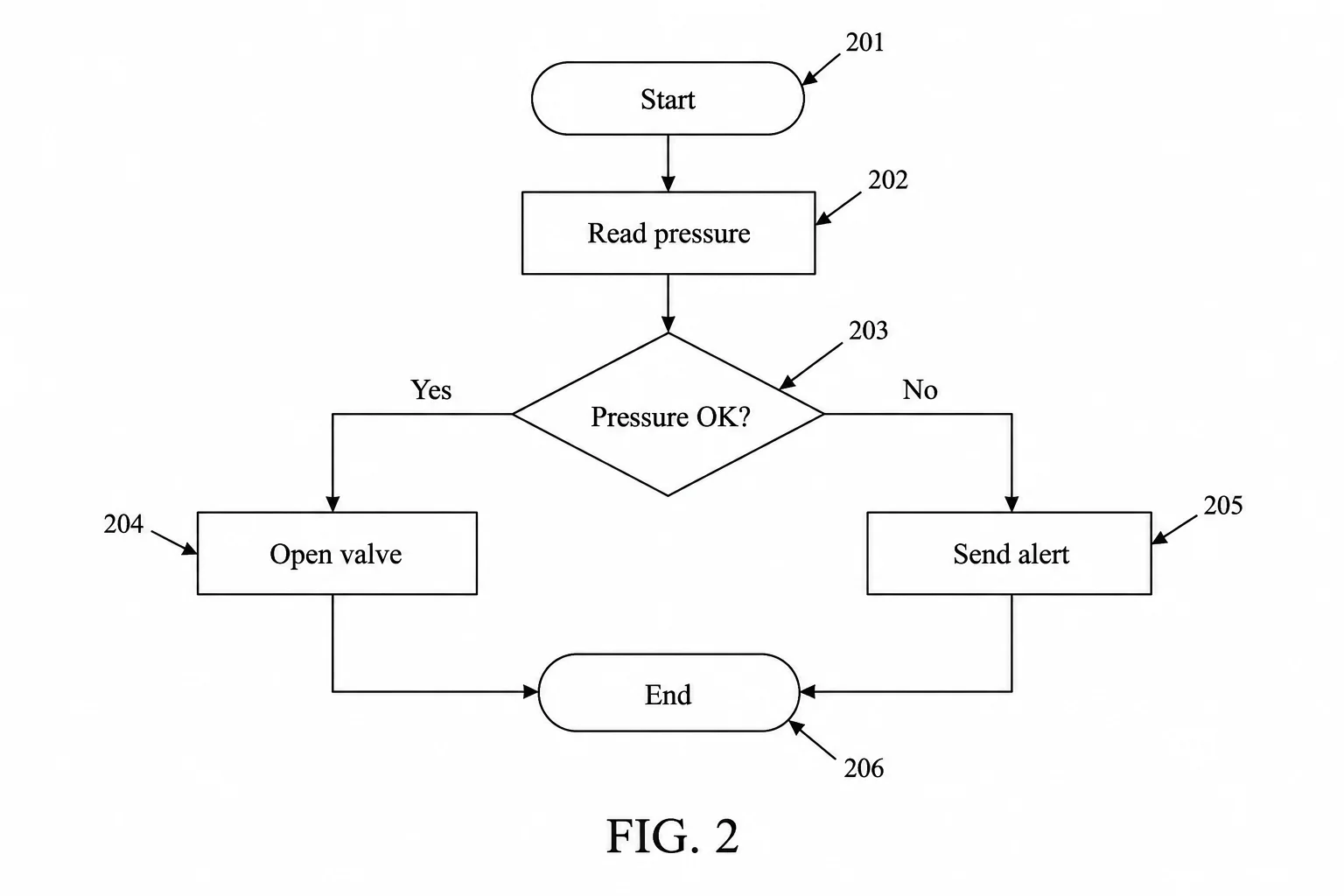
Write the steps in order and state the condition at each decision. Give every branch a destination, including failures and returns.
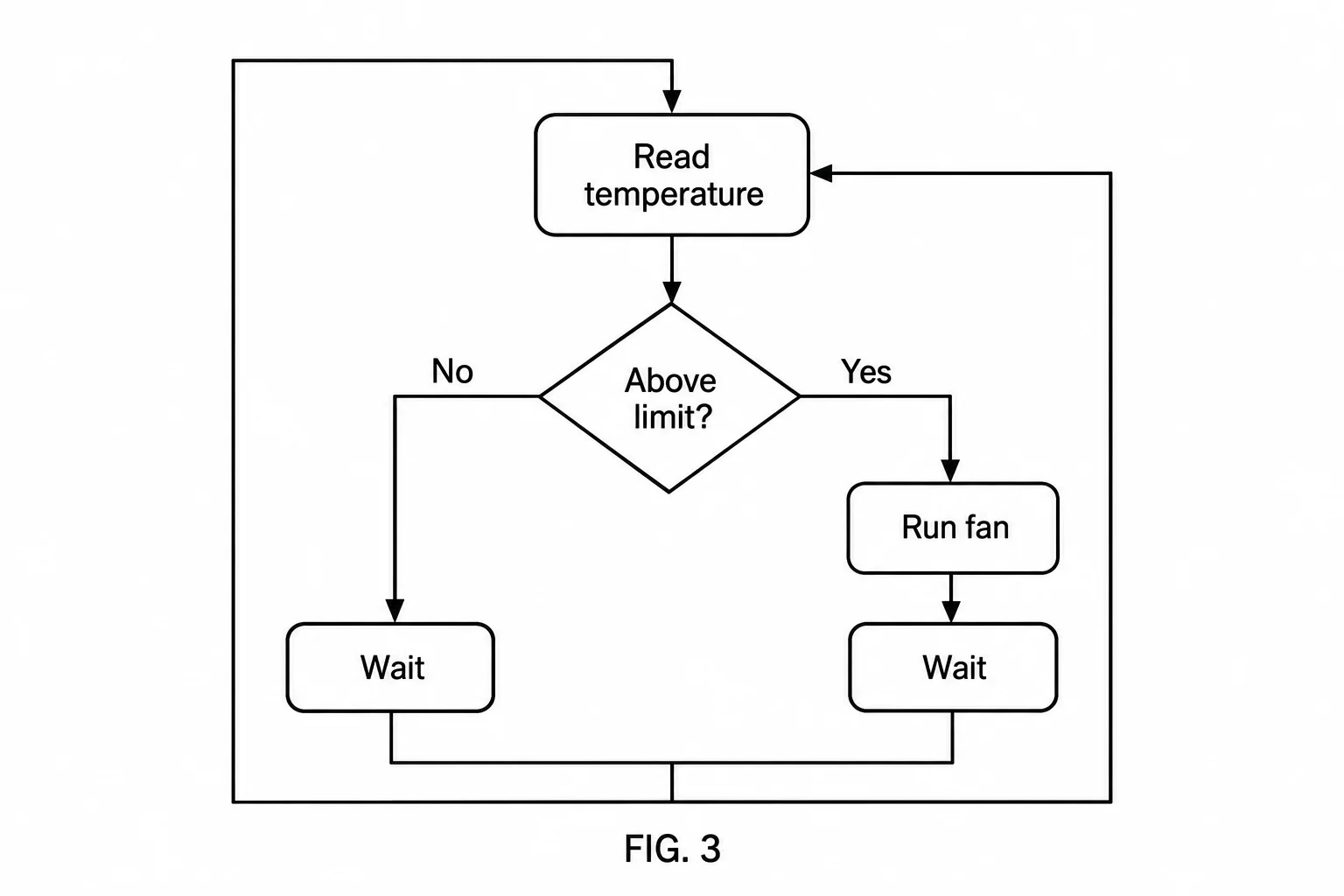
State what happens above and below the threshold. Trace the YES and NO arrows from their decision to the next step and check where the loop returns.
Turn ideas, sketches, and product photos into patent drawing drafts. Edit reference numerals, refine details, and export for review.
For ongoing work. The full year is billed upfront and annual credits are delivered together.
For inventors preparing their first set of drawing drafts.
Includes
For regular drafting, revisions, and invention reviews.
Includes
For frequent drafting across multiple inventions.
Includes
Annual credits delivered upfront
Plan estimates use 1K images. The rates below show how other tasks use your balance.
Counts assume all credits are used for 1K generation. Higher resolutions and other AI tasks use the same balance. Review drawings before filing.
SVG and PowerPoint exports keep added annotations editable; the underlying drawing remains an embedded raster image. SVG vectorization converts the drawing to paths. Manual editing and unlocked exports use no additional credits.
Sign up and claim daily check-in credits to try generation and label editing. Upgrade when you need original downloads or advanced exports.









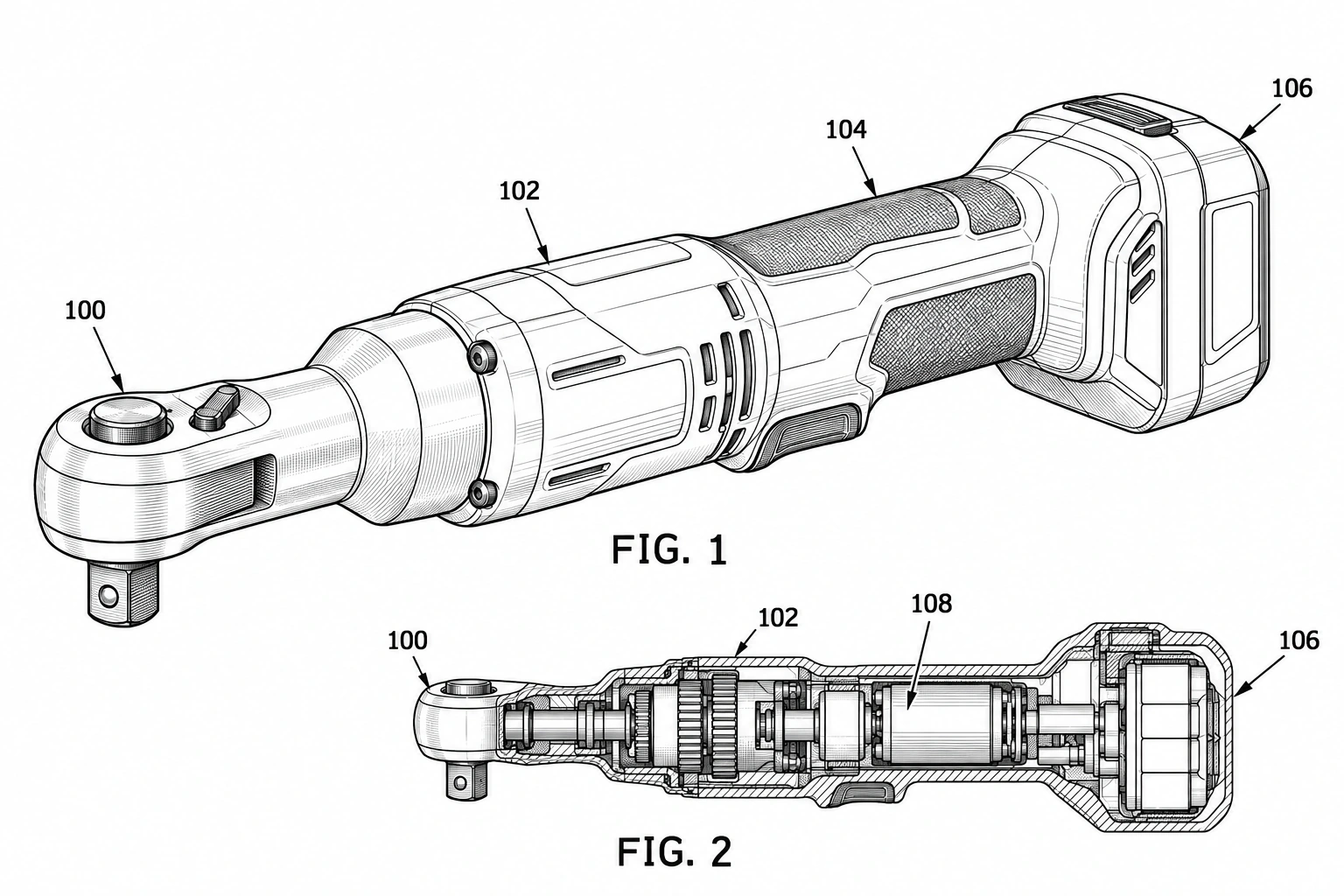 Patent drawing
Create a monochrome patent-style drawing from a product description.
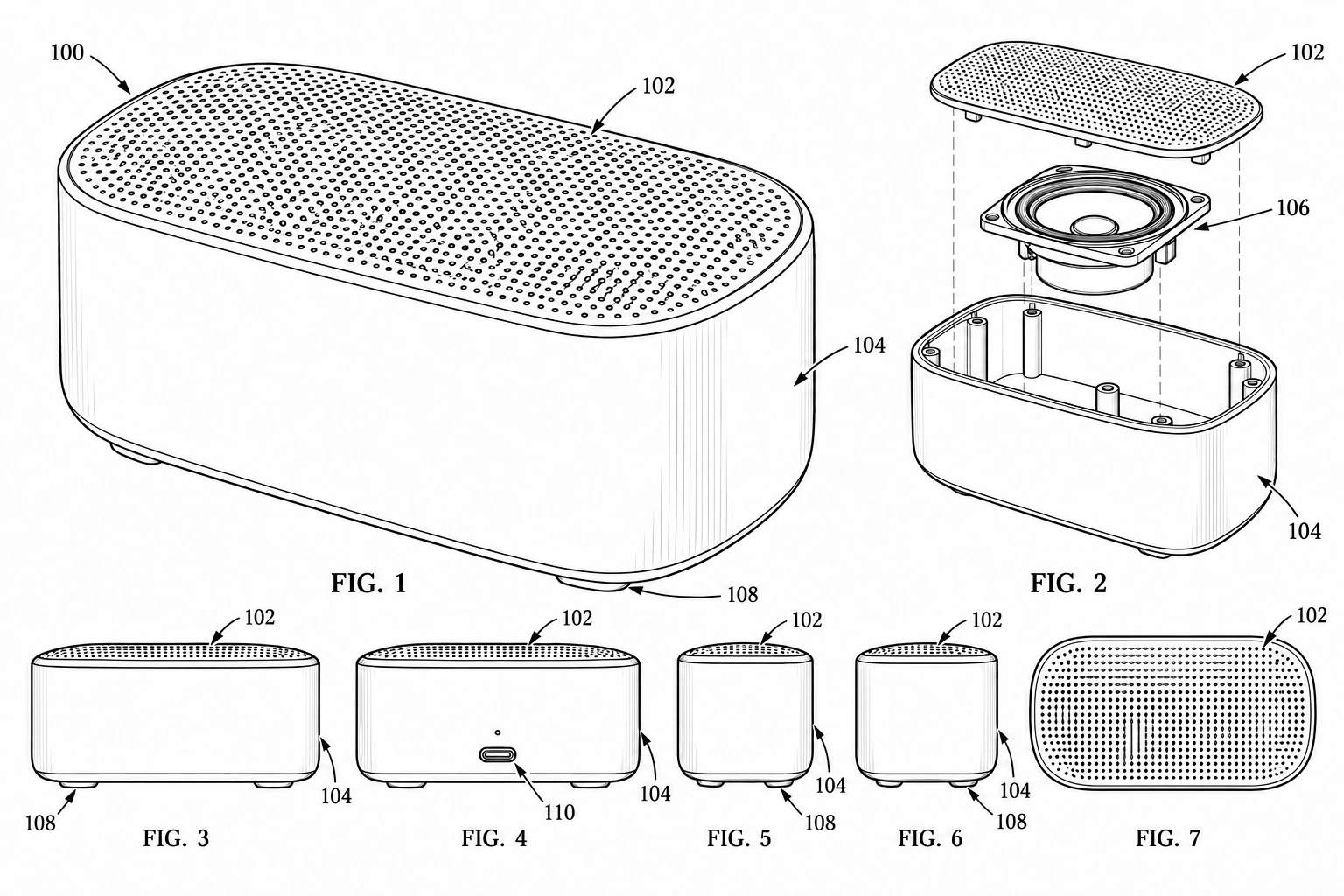 Patent drawing
Show a product with a 3D-style perspective or requested view in a flat PNG.
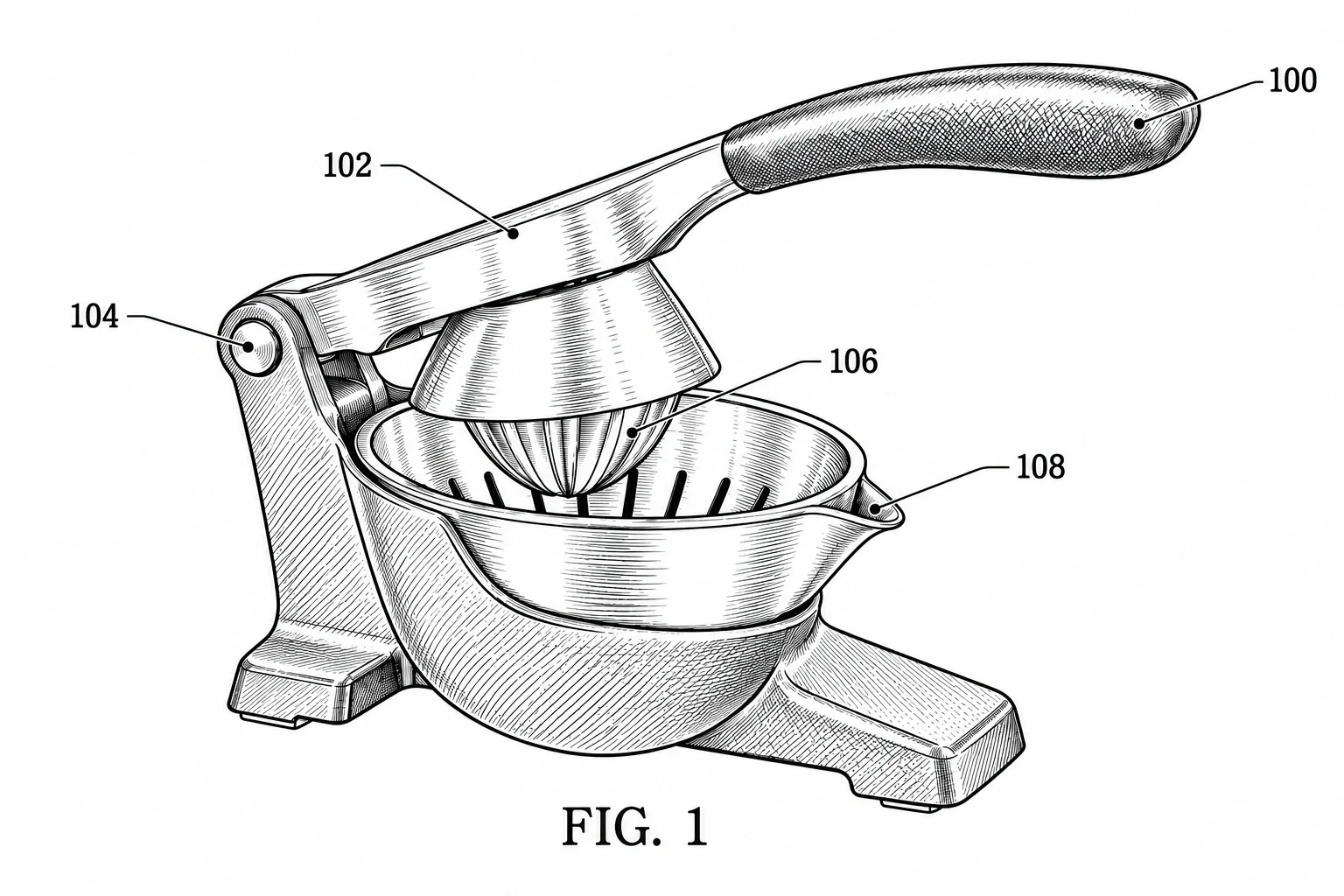 Patent drawing
Use a product photo as a visual reference for a patent-style drawing draft.